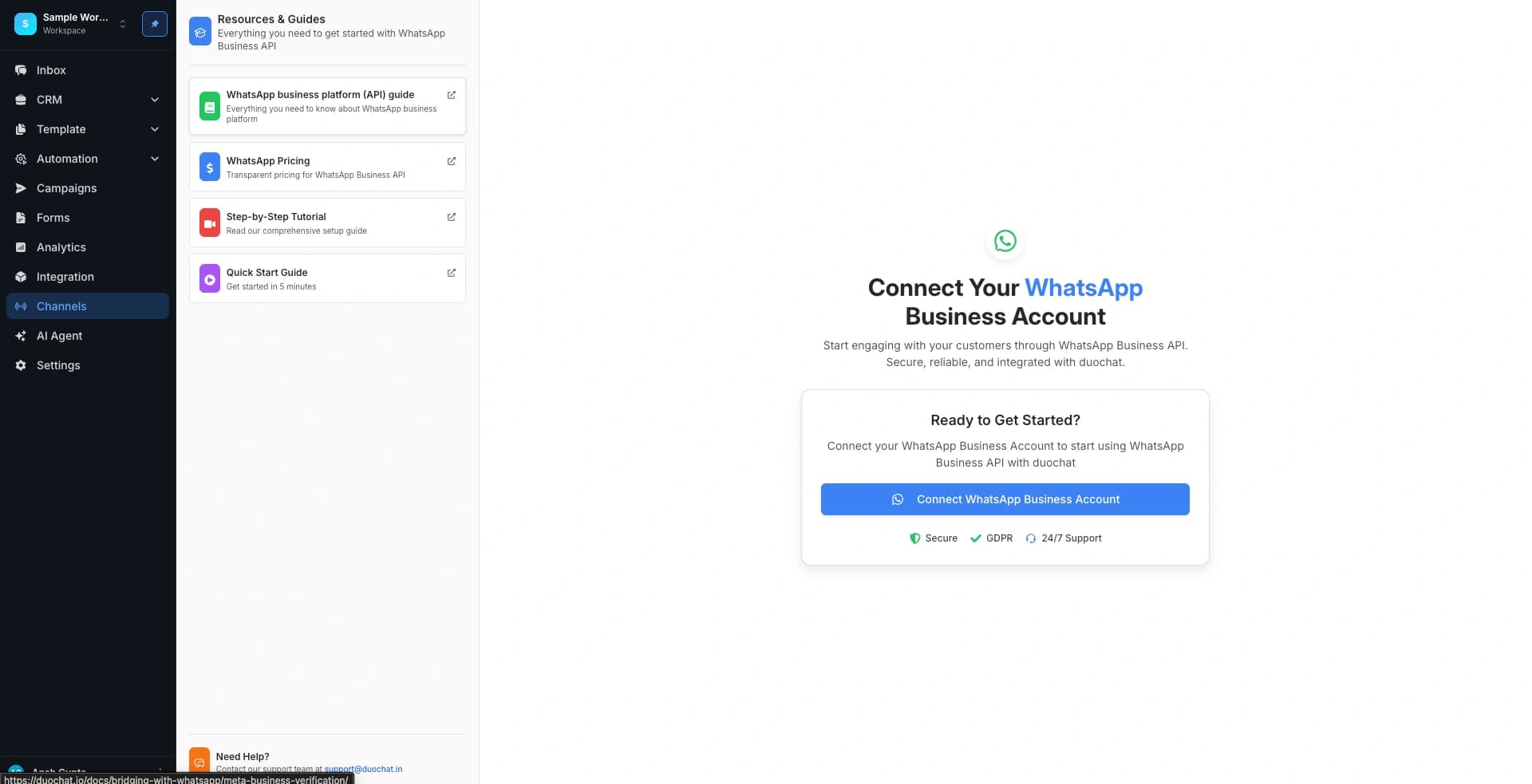
Connect WhatsApp Channel: Apply for WhatsApp Blue Tick
Getting WhatsApp's Official Business Account (OBA) helps your brand look authentic and trustworthy. This guide walks you through eligibility, the application process, and what benefits OBA brings to your business on duochat.
What is an Official Business Account?
An OBA is a verified WhatsApp account with a blue checkmark badge. Your business name is shown in chats and contact lists instead of your phone number, even if a user hasn’t saved your contact. This badge signals to customers that your brand is authentic and reputable.
Why OBA Matters
OBA accounts are tied to specific phone numbers and display names. Verification builds trust and strengthens your brand’s credibility on WhatsApp.
Obtaining Official Business Account Status
OBA status cannot be purchased. WhatsApp grants it only to selected businesses based on specific criteria.
The decision to approve OBA hinges on notability — WhatsApp looks for well-known or frequently searched brands or entities. Notability focuses on significant online presence, especially in credible news articles. Paid or promotional content does not count.
Official business accounts are linked to specific phone numbers and display names. Changing a display name after approval requires re-approval.
OBA approval applies only to the approved number. If you have multiple numbers with different display names, each must be approved separately. For child brands, you can format display names like:
{{sub-brand name}} by {{notable name}} — for example: MangoShop by duochat.
Requirements to Apply for OBA
Before applying via duochat, make sure you meet these requirements:
- Two-Factor Authentication: Enabled for your WhatsApp API number.
- Meta Business Verification: A valid Meta Business ID with a verified Business Manager.
- Policy Compliance: Follow WhatsApp policies, including the Commerce Policy.
- Quality & Reach: Quality Tier 2 rating with at least 1k messaging limit at the time of application.
- Media Presence: Strong public presence with multiple external news or media mentions (you can submit up to 5 of your strongest links in the application).
Tip: Complete your Business Verification on duochat before applying for OBA.
Steps to Apply for a Blue Tick
-
Go to WhatsApp Channel on duochat
Navigate to the "Apply Blue Tick" section and click Apply for Blue Tick. -
Complete Your Application in Business Manager
You’ll be redirected to Meta Business Manager. Go to Account Tools > Phone Numbers > Settings for the number you want OBA status. -
Provide Required Information
Fill out your business website, reason for requesting, up to 5 supporting media links, your business name in its original language, and your Facebook Page. -
Submit and Wait for Review
Meta will review your application. You’ll get notified whether your account is approved or denied.
What Happens After Submission?
If Approved
Your account automatically upgrades to OBA. No further action is required, but approval is not guaranteed for every applicant.
If Denied
You can improve your online presence and reapply after 30 days. Use this time to gather additional media coverage or improve your profile.
Business Profile Features
Even before OBA approval, your WhatsApp business profile includes editable details such as profile picture, email, website, and business description.
Important Considerations
- Display Name Changes: Changing the display name after approval requires a new OBA review.
- Account Limitations: Only verified duochat WhatsApp API users can get OBA. Employees, test accounts, and Business App accounts are not eligible.
About duochat
duochat is a full-featured WhatsApp Business platform. Manage communications, automate messages, generate AI-powered templates, analyze performance, and apply for OBA — all in one place.

