Skip to main content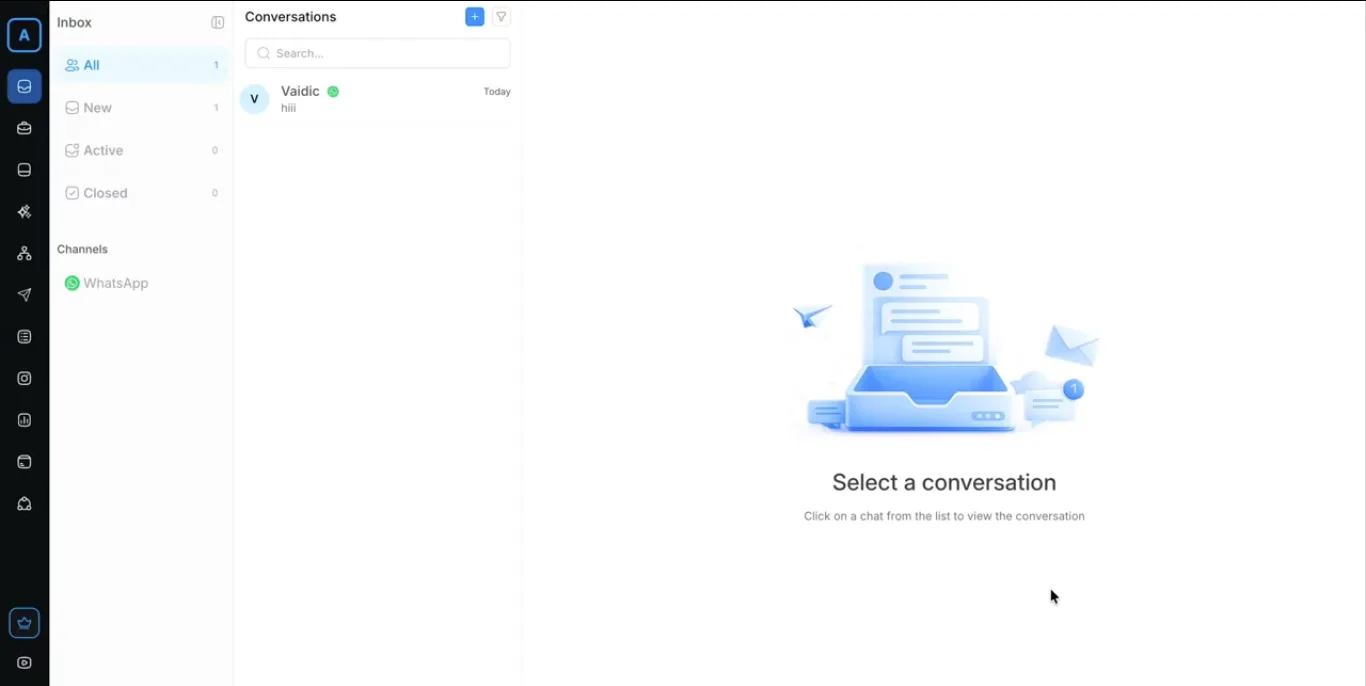
Making AI Calls
Making AI Calls
- Go to the Inbox section.
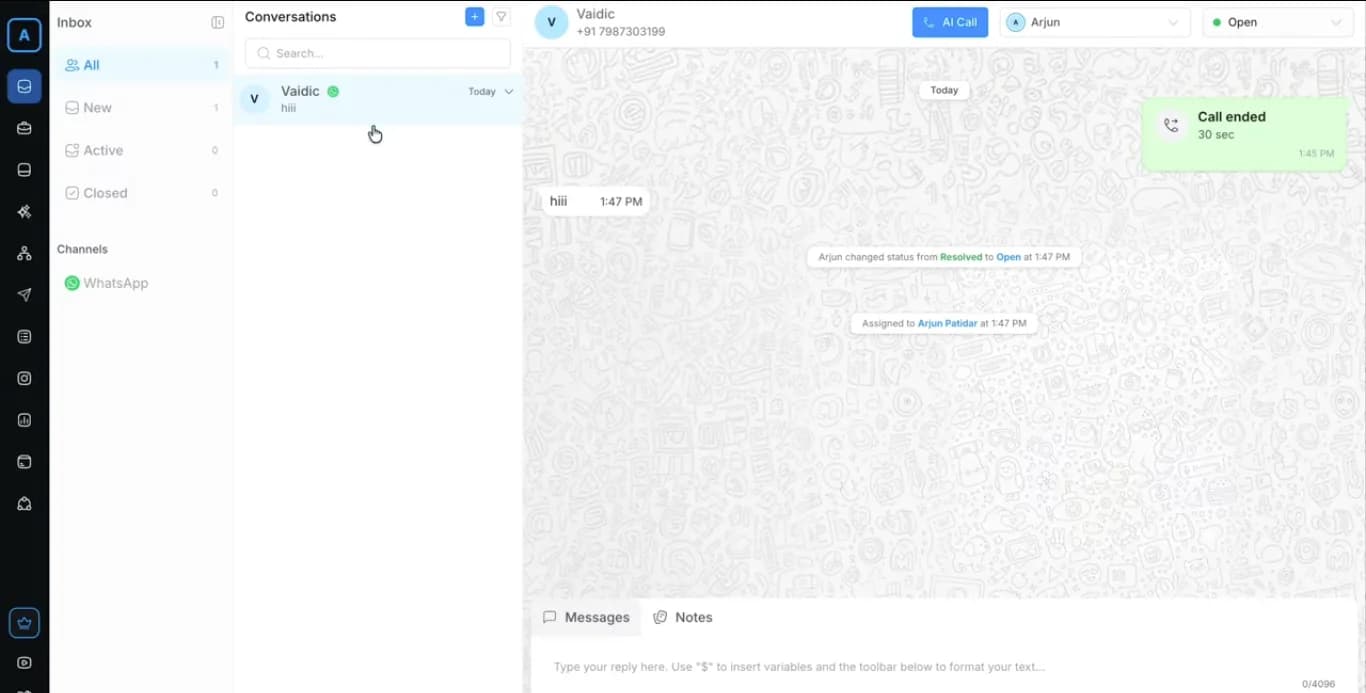
- Open any lead or customer conversation.
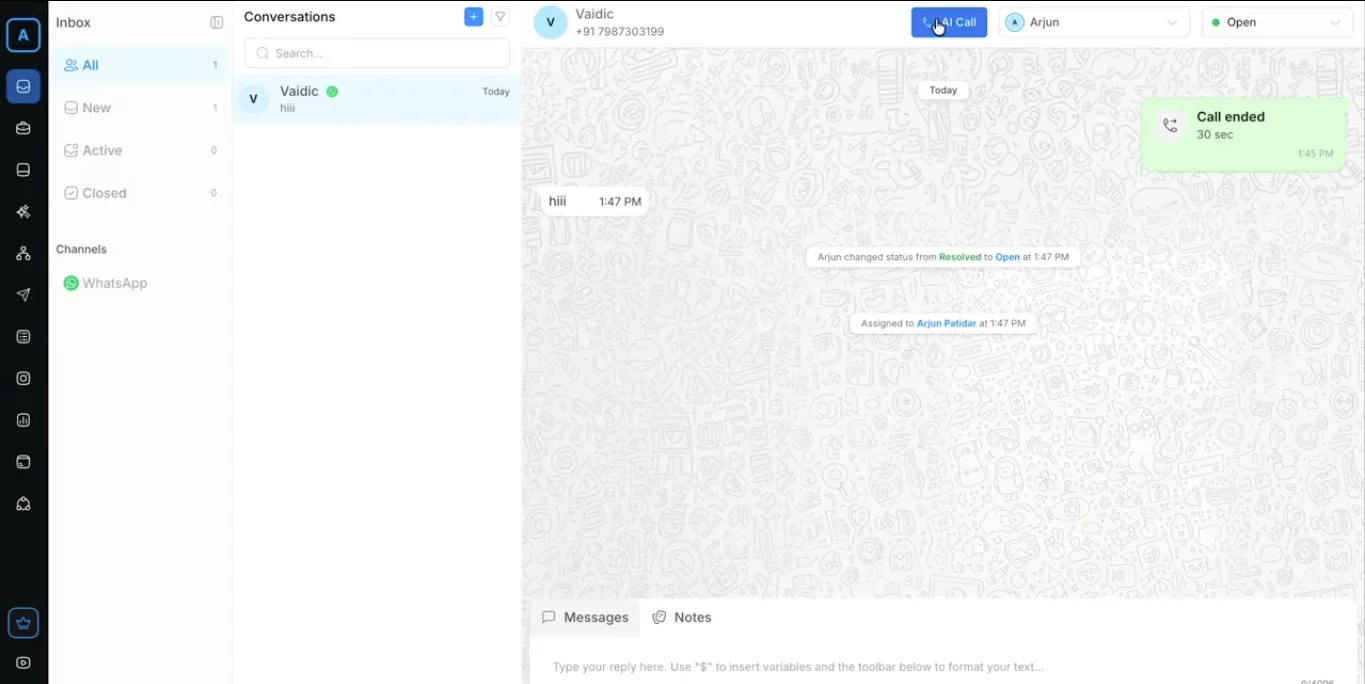
- At the top of the conversation view, click the AI Call button.
- The AI agent will immediately initiate the call to the contact's phone number.
During the Call:
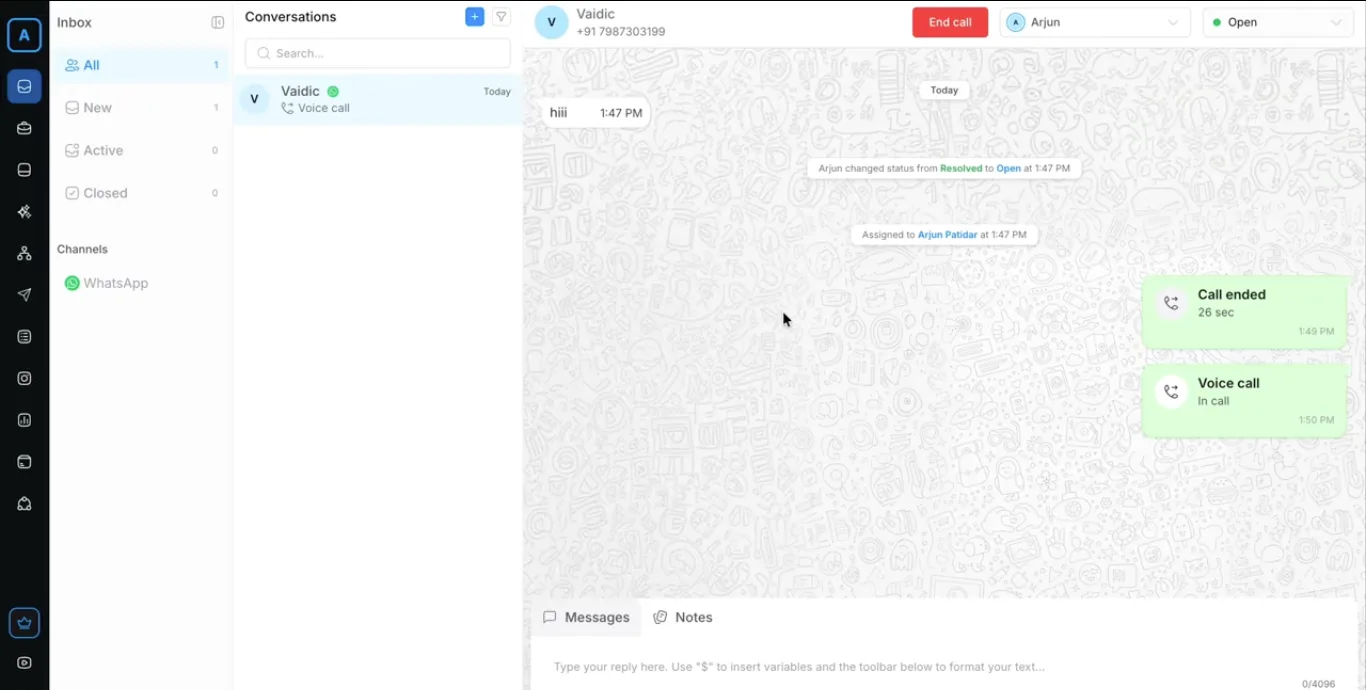
- Monitor the live conversation in real-time directly from the conversation screen.
- View ongoing details and AI responses.
- Click End Call at any time if needed.
Once the customer answers, the AI conversation starts automatically.
On this page