Skip to main content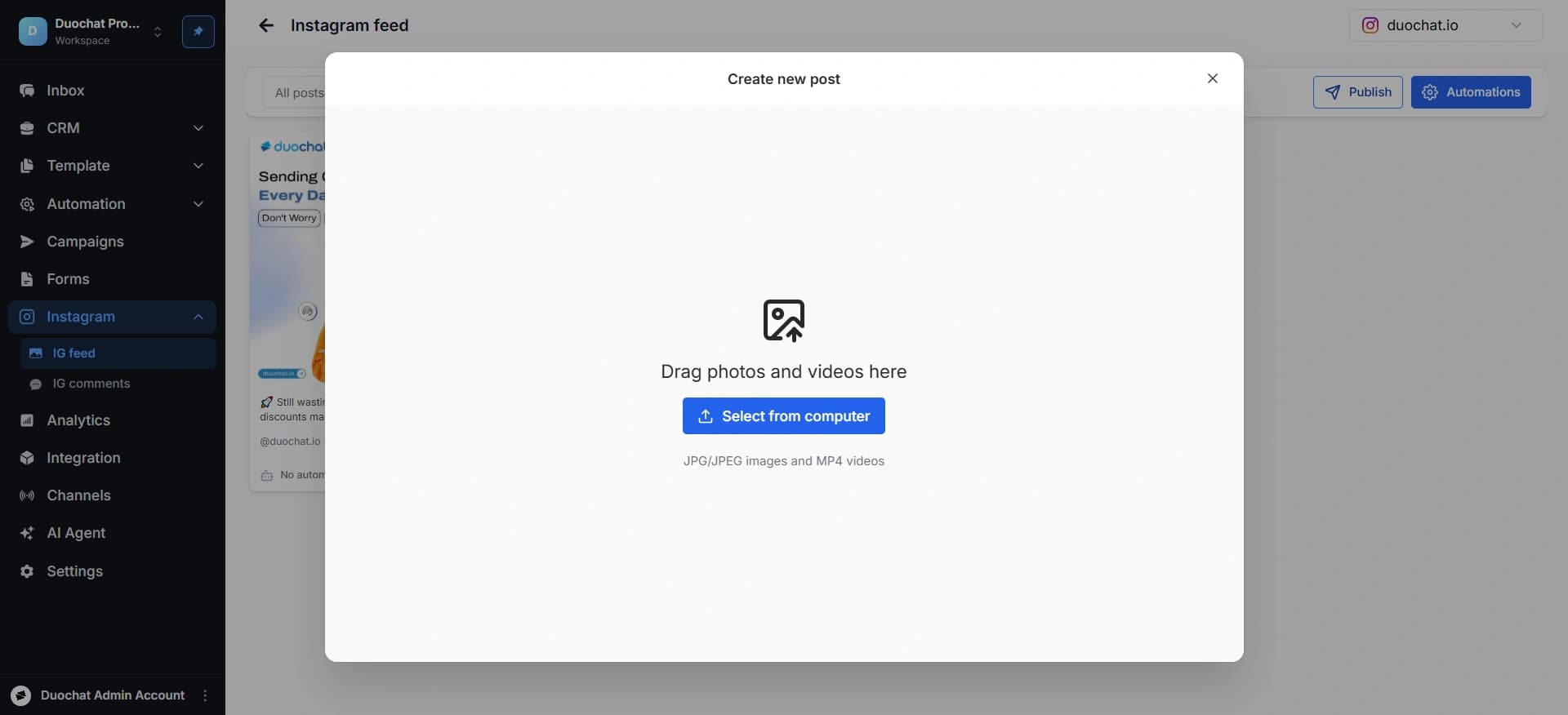
Instagram Feed
Instagram Feed
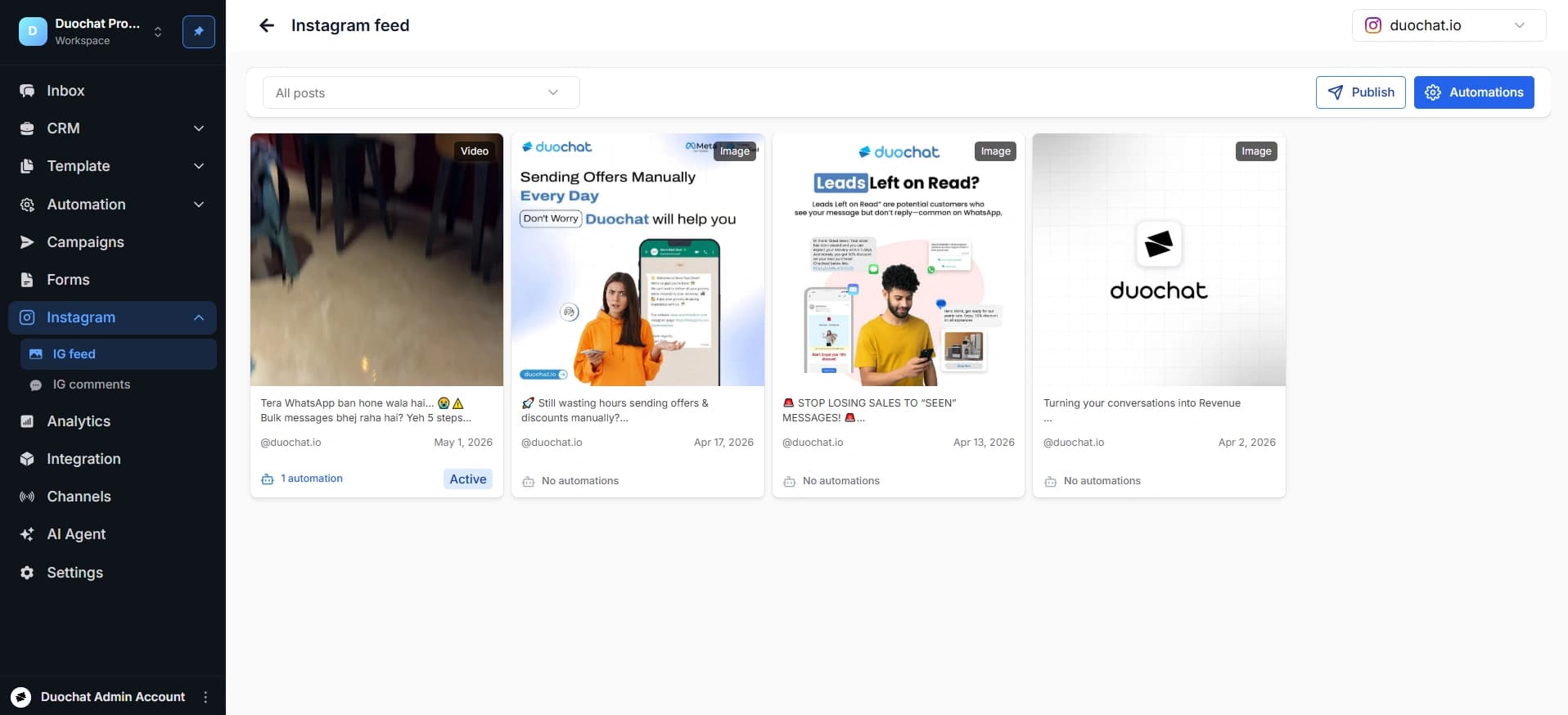
View & Publish Content
- View all posts associated with your Instagram account.
- To publish content, click the “Publish” button in the top-right corner.
- Upload files in JPG, JPEG, or MP4 format.
- Add captions and relevant details, then click “Share”.
Set Up Comment Automation
Automate replies to comments and send direct messages to users:
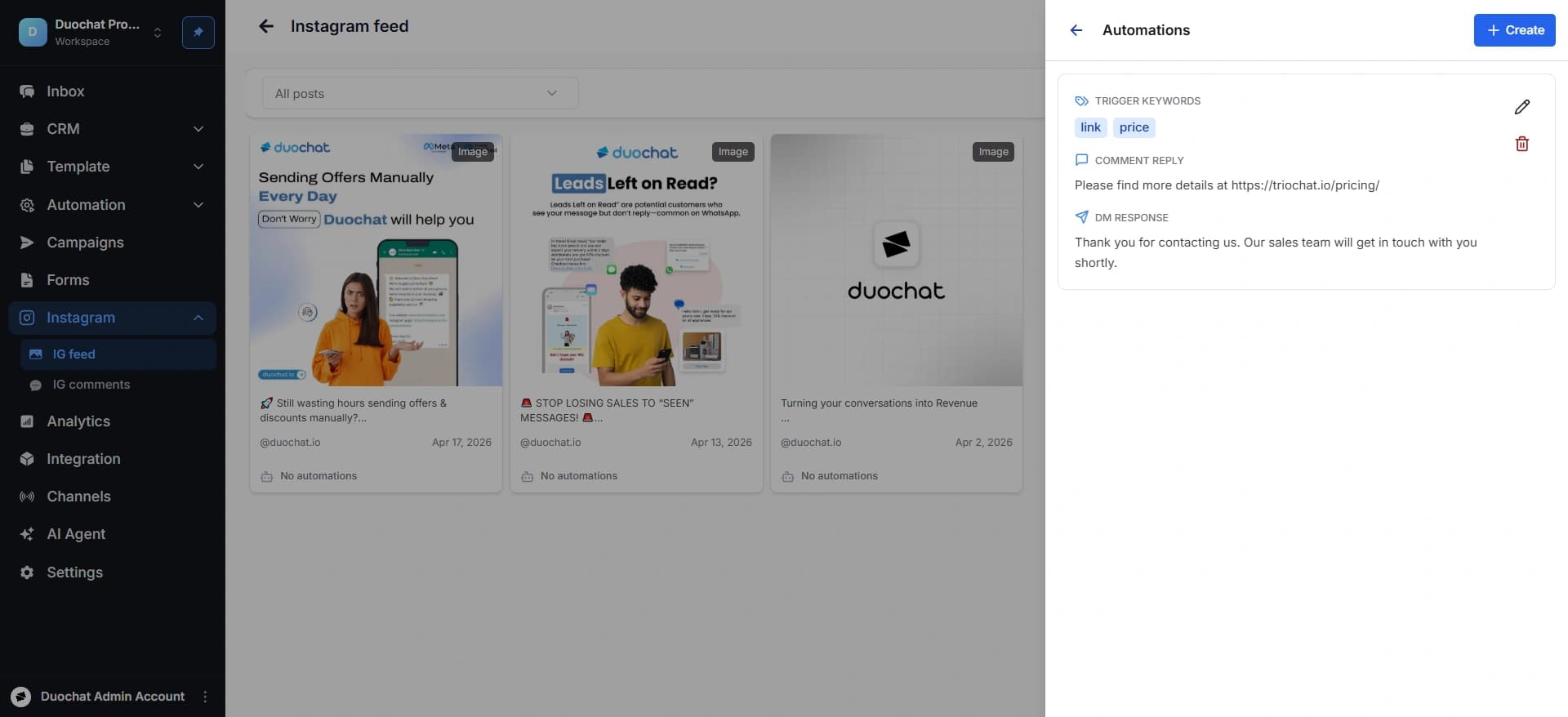
- Click on the “Automation” button (top-right corner). You can check already created automations here.
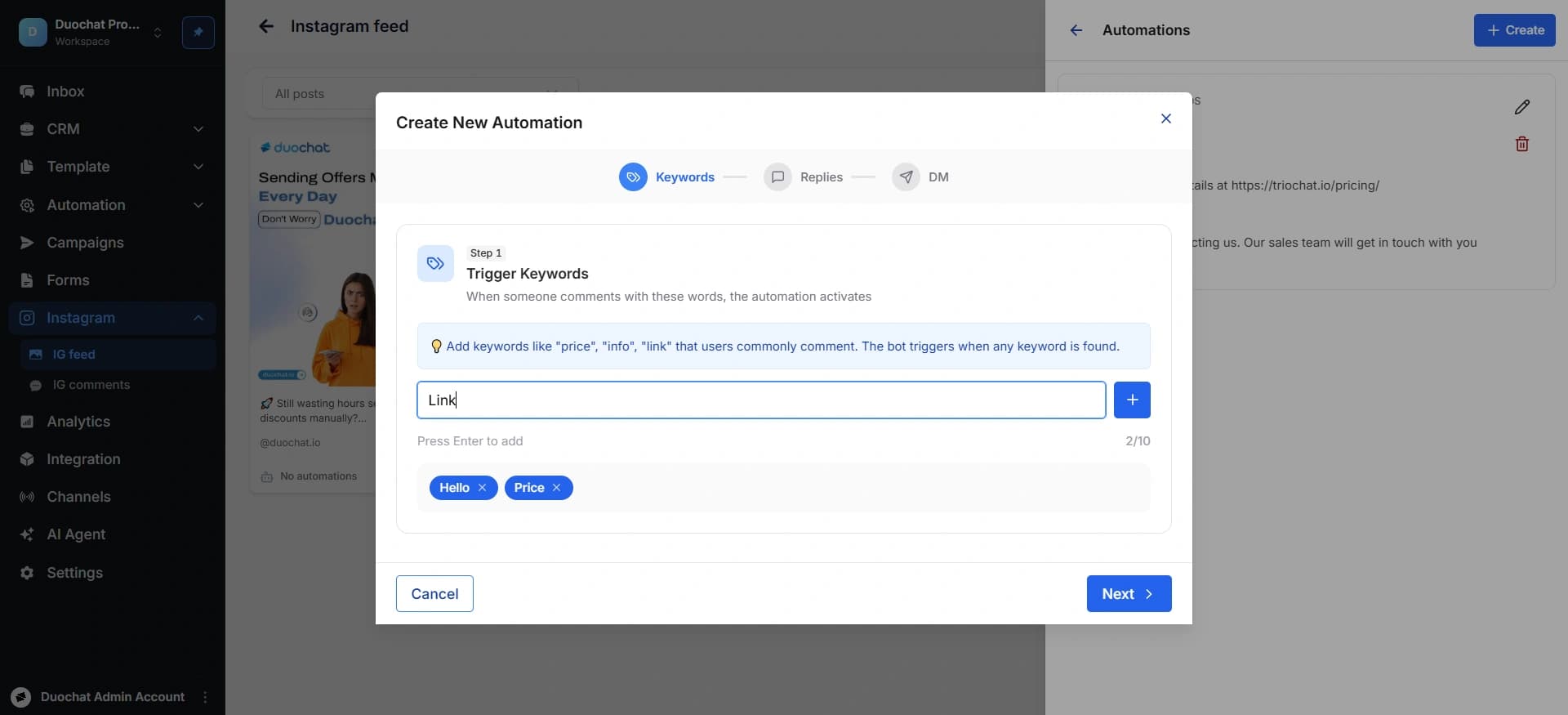
- Click “+ Create” to start a new automation.
-
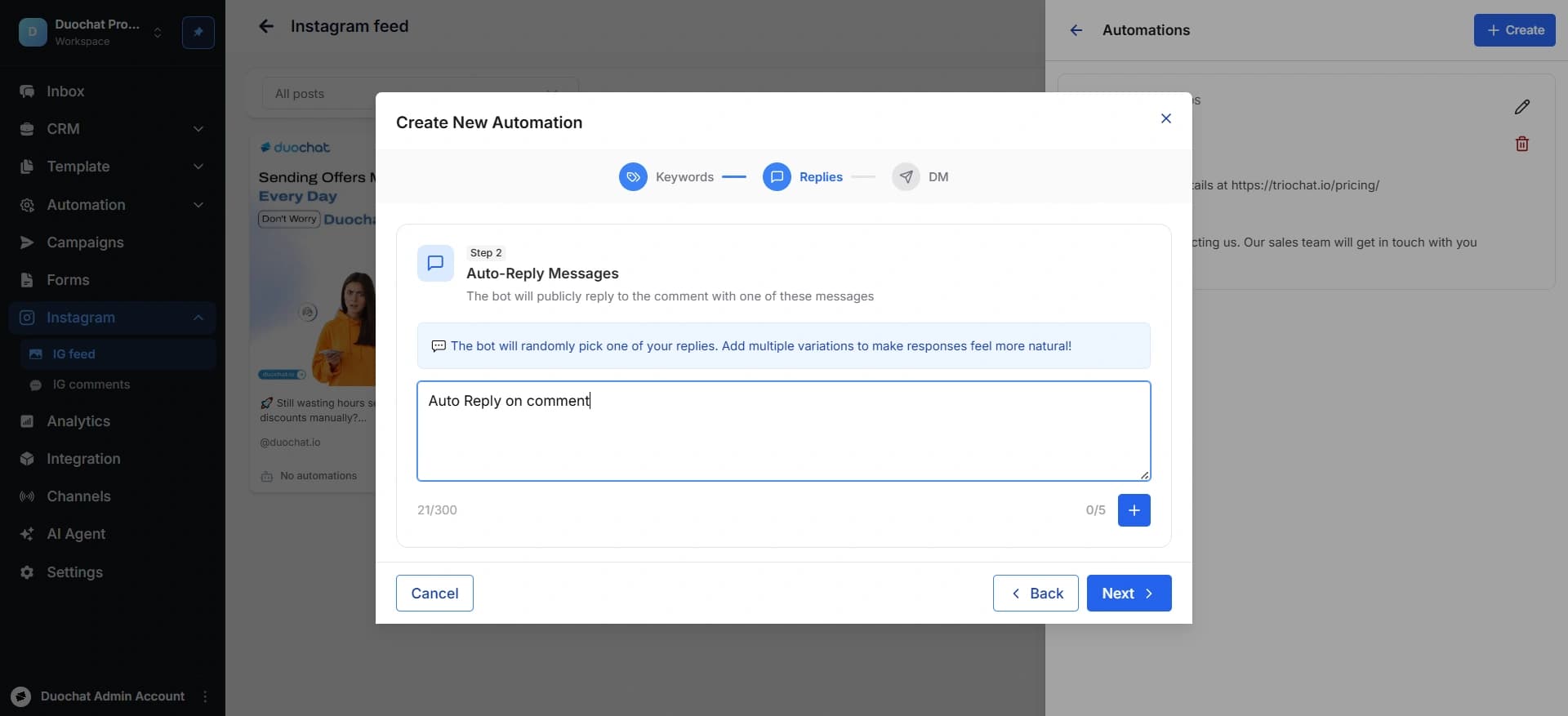
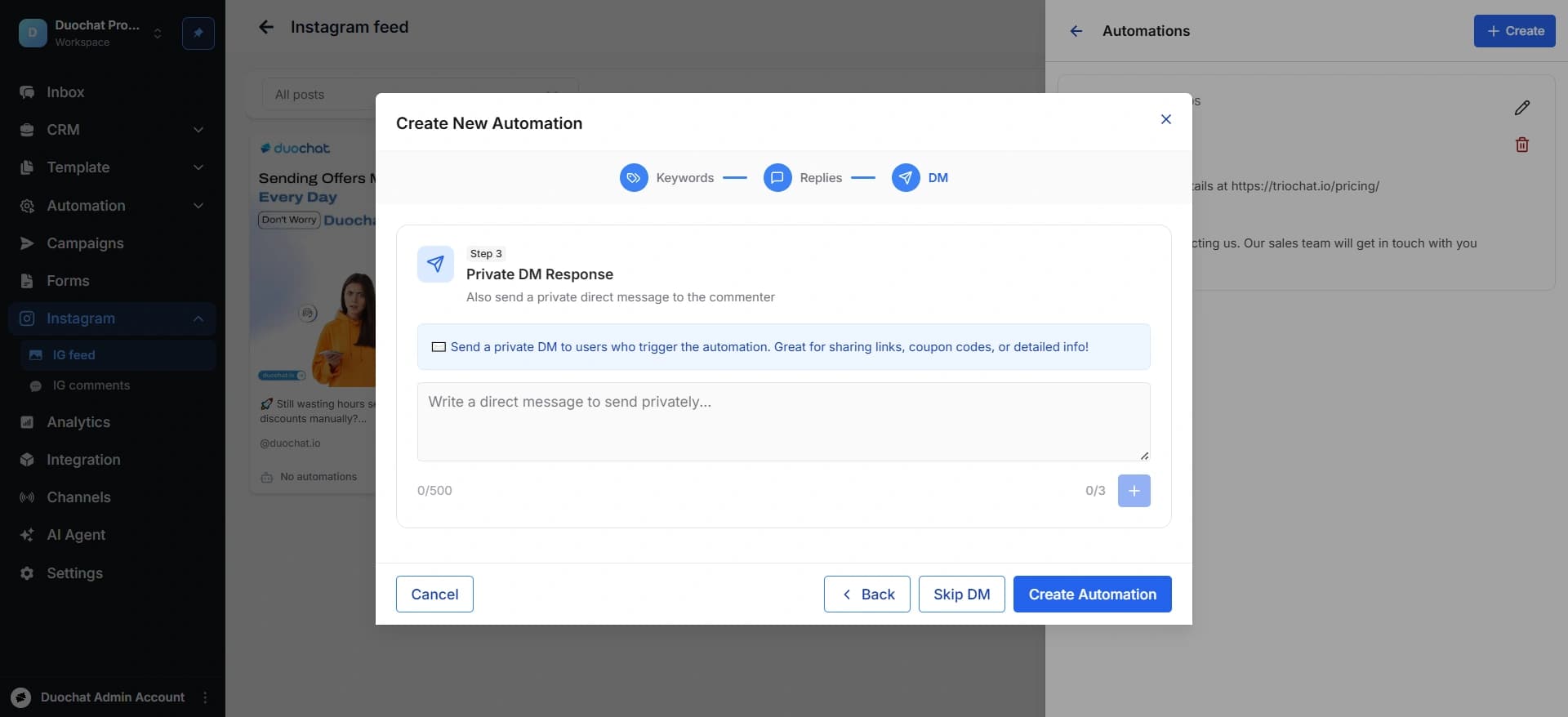
There are 3 steps to set new automation:-
-
Trigger Words
Define up to 10 keywords. The automation will activate when users comment using these words.
- Public Auto Reply
Create automated replies (up to 300 words each, max 5 replies) that will be posted publicly as a response to comments.
- Private DM Response (Optional)
Set up a private message that will be sent directly to the user. This step is optional.
- Click “Create Automation” to save.
On this page