Skip to main content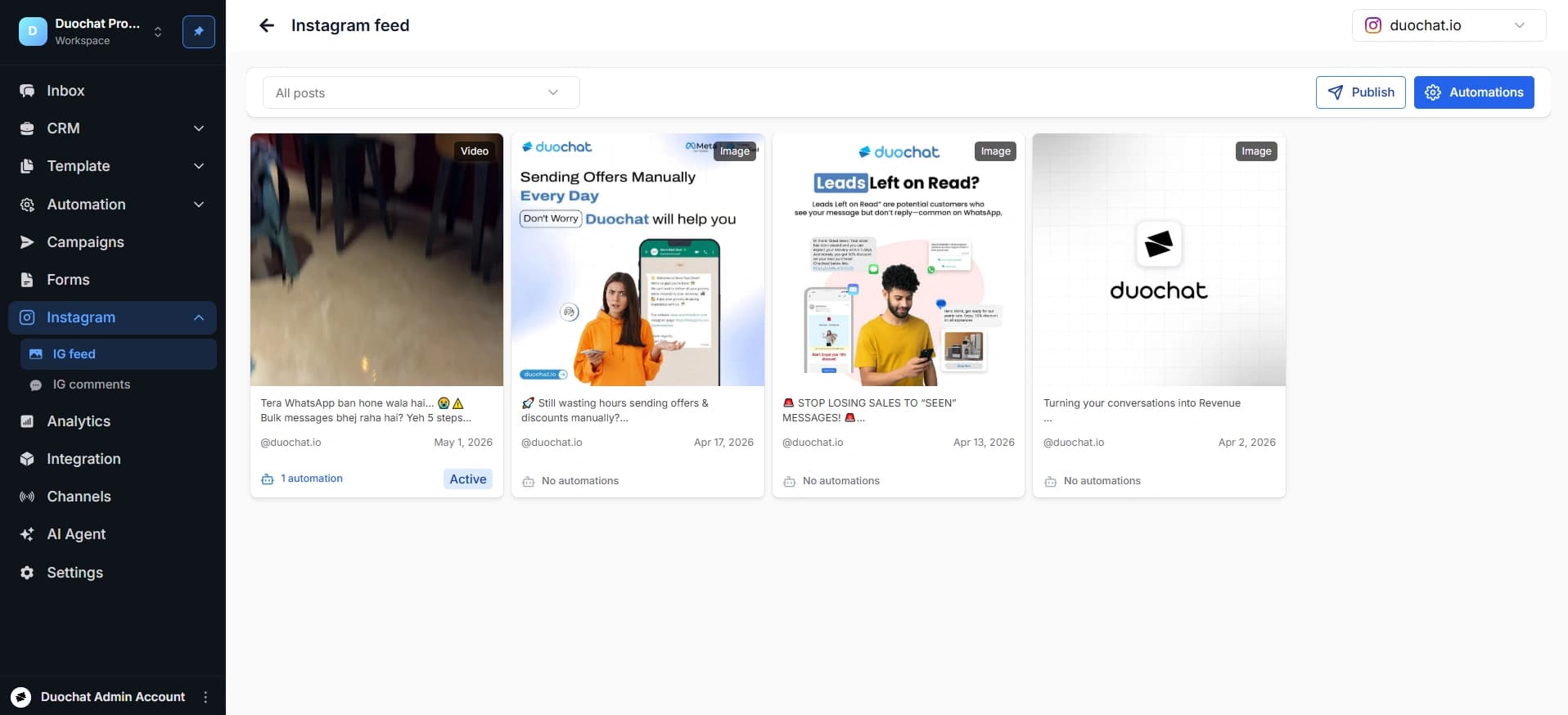
Connect Instagram Channel
Connect Instagram Channel
Step 1: Access Instagram Settings
Log in to your duochat account and navigate to the Instagram option from the left-hand menu.
Step 2: Connect Your Instagram Account
Click on “Connect Instagram” to link your account.
Note: Only Instagram Business Accounts can be connected.
Grant all the required permissions. Once completed, your Instagram channel will be successfully connected to duochat. You can now manage both WhatsApp and Instagram conversations from a single unified inbox.
On this page