Setting up an Account
To get started with duochat, creating an account is quick and easy. This guide will walk you through the full sign-up process and help you get started with your organization.
1. Navigate to Sign-up page
To begin, visit the duochat sign-up page by clicking: https://app.duochat.in/signup
2. Fill in the required information
On the sign-up page, you’ll be asked to provide the following details:
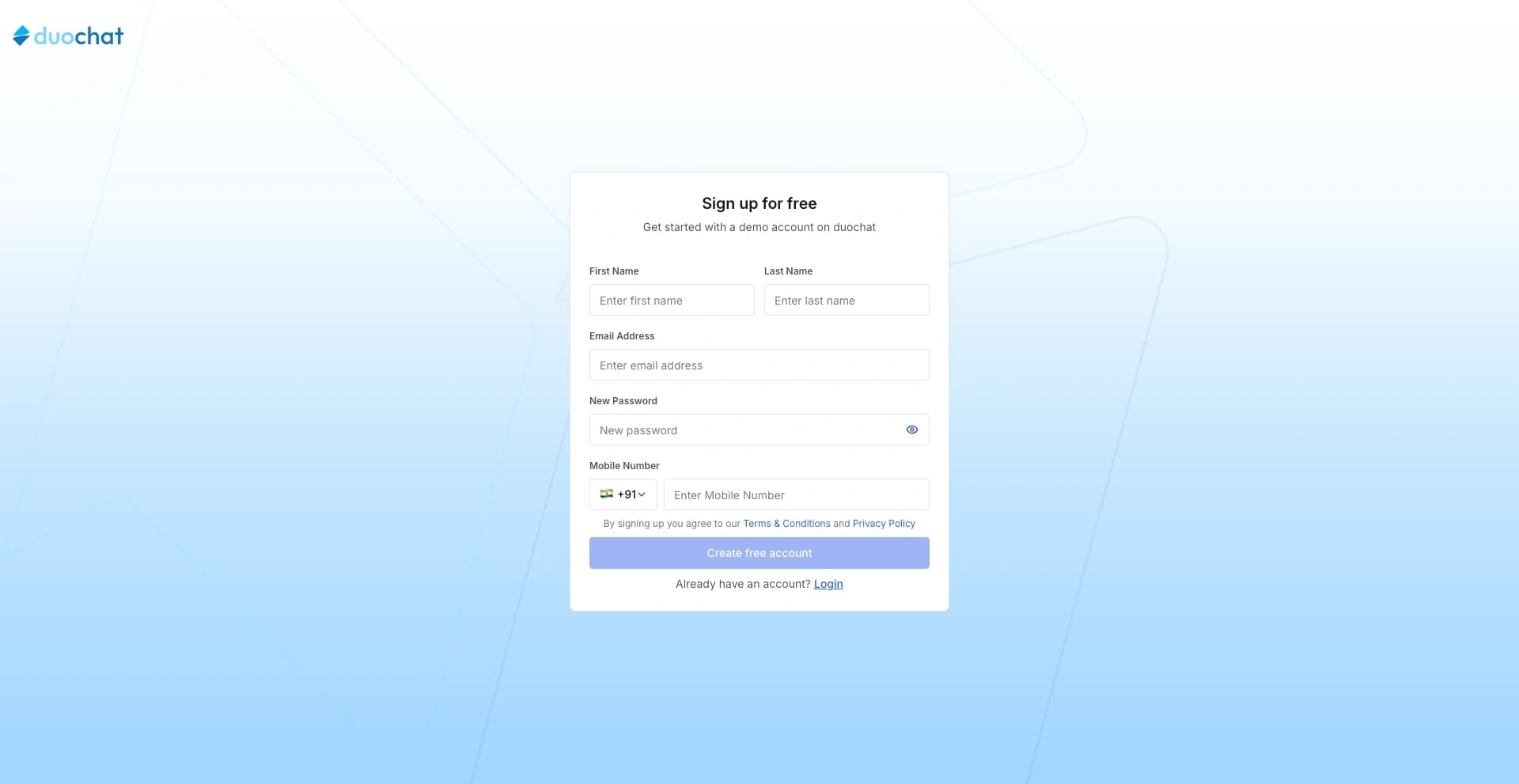
- First Name
- Last Name
- Email Address
- Mobile Number
- New Password (choose a strong password for security)
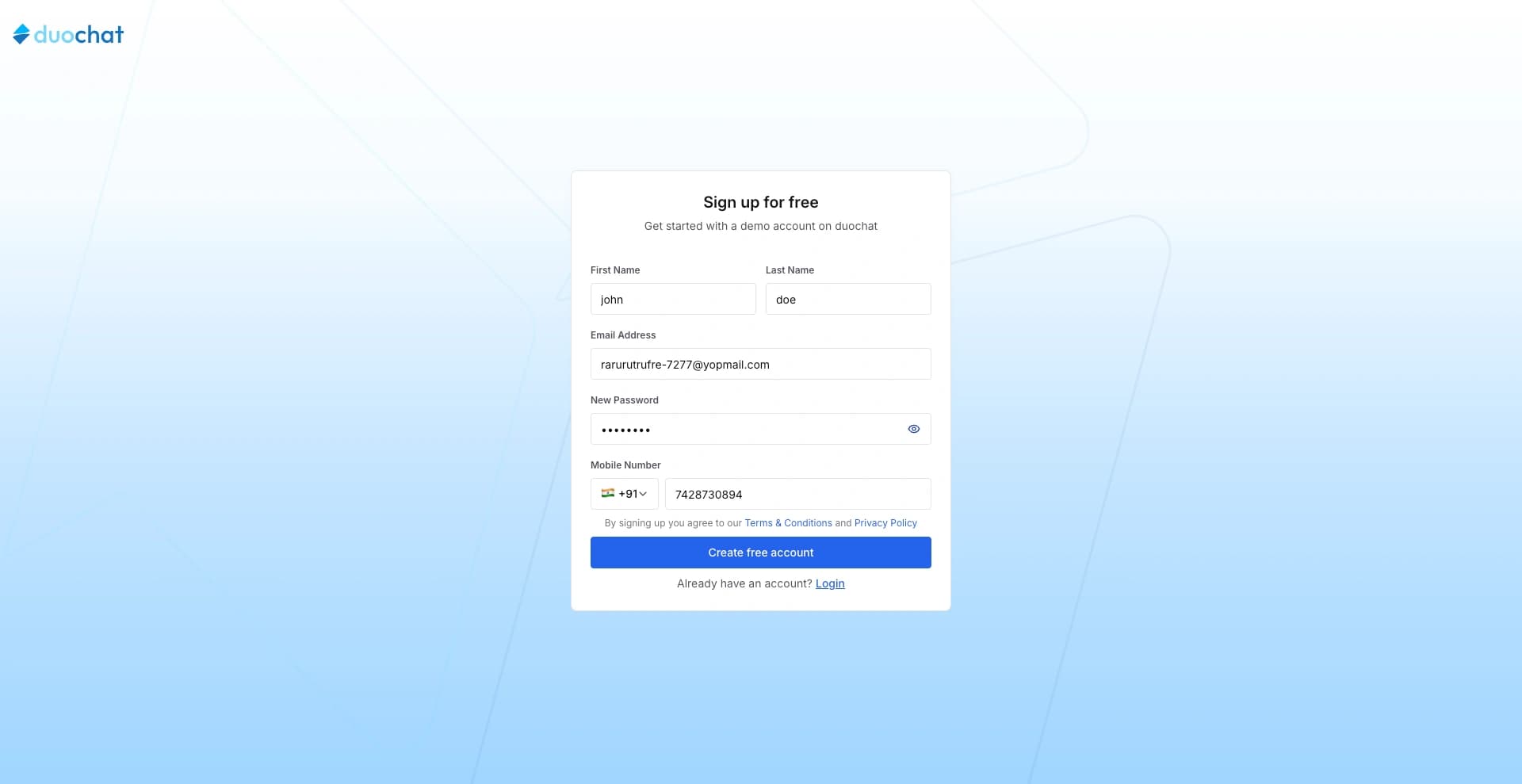
Once you have entered all the required information, click “Create Free Account” to proceed.
3. Choose Your Plan
You will get full access to all duochat features for the first 7 days as a free trial.
After the trial period ends, you will be charged based on the selected plan. A dialog box will display three plans:
- Starter
- Growth
- Pro
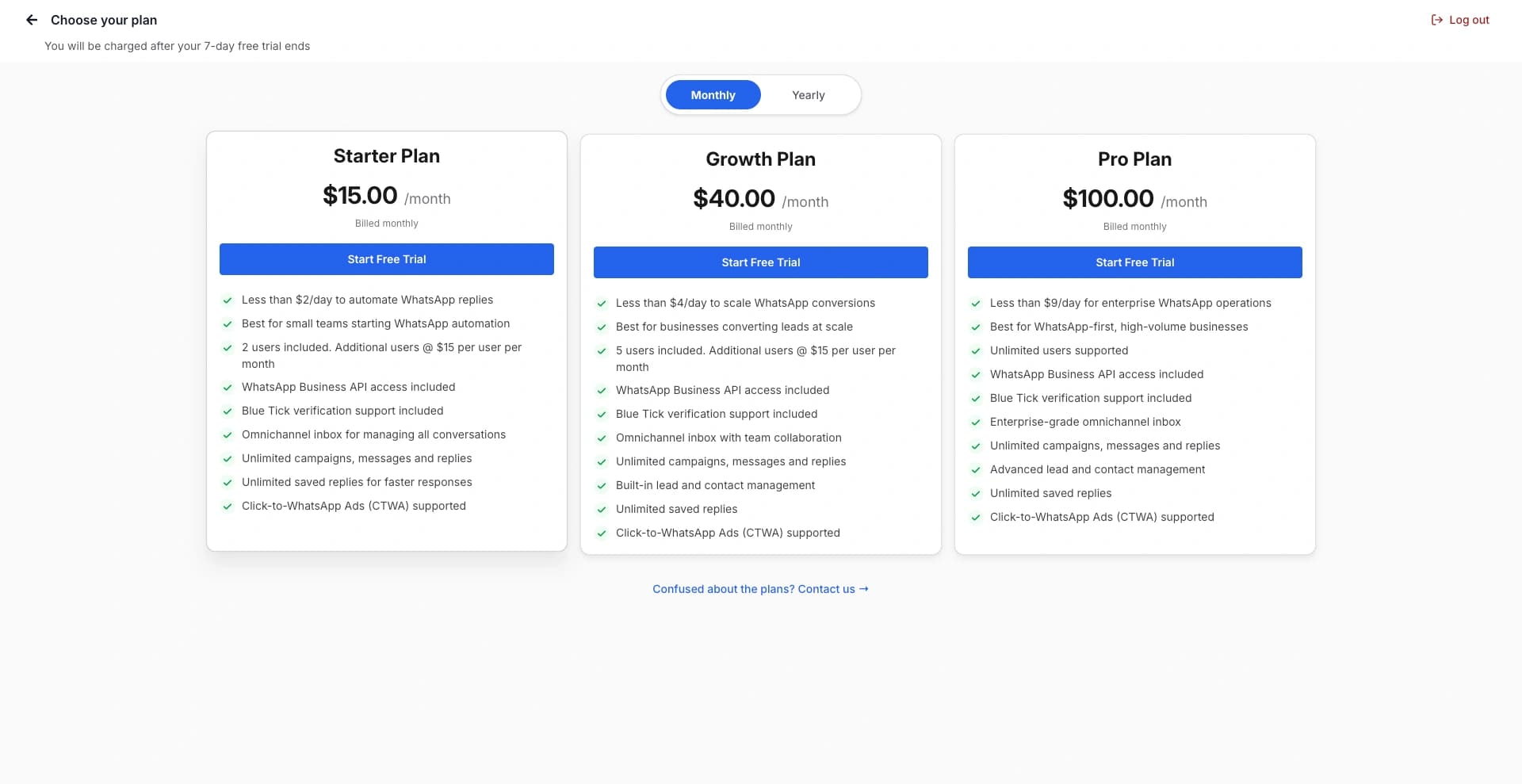
Choose the plan that best fits your needs based on the features offered.
If you are unsure which plan to choose, feel free to contact our support team.
4. Add Card Details
To activate your account, a refundable amount of $0.50 will be charged.
After the 7-day trial ends, the selected plan amount will be automatically deducted from your card.
Enter your card details:
- Card Number
- Expiry Date
- CVV
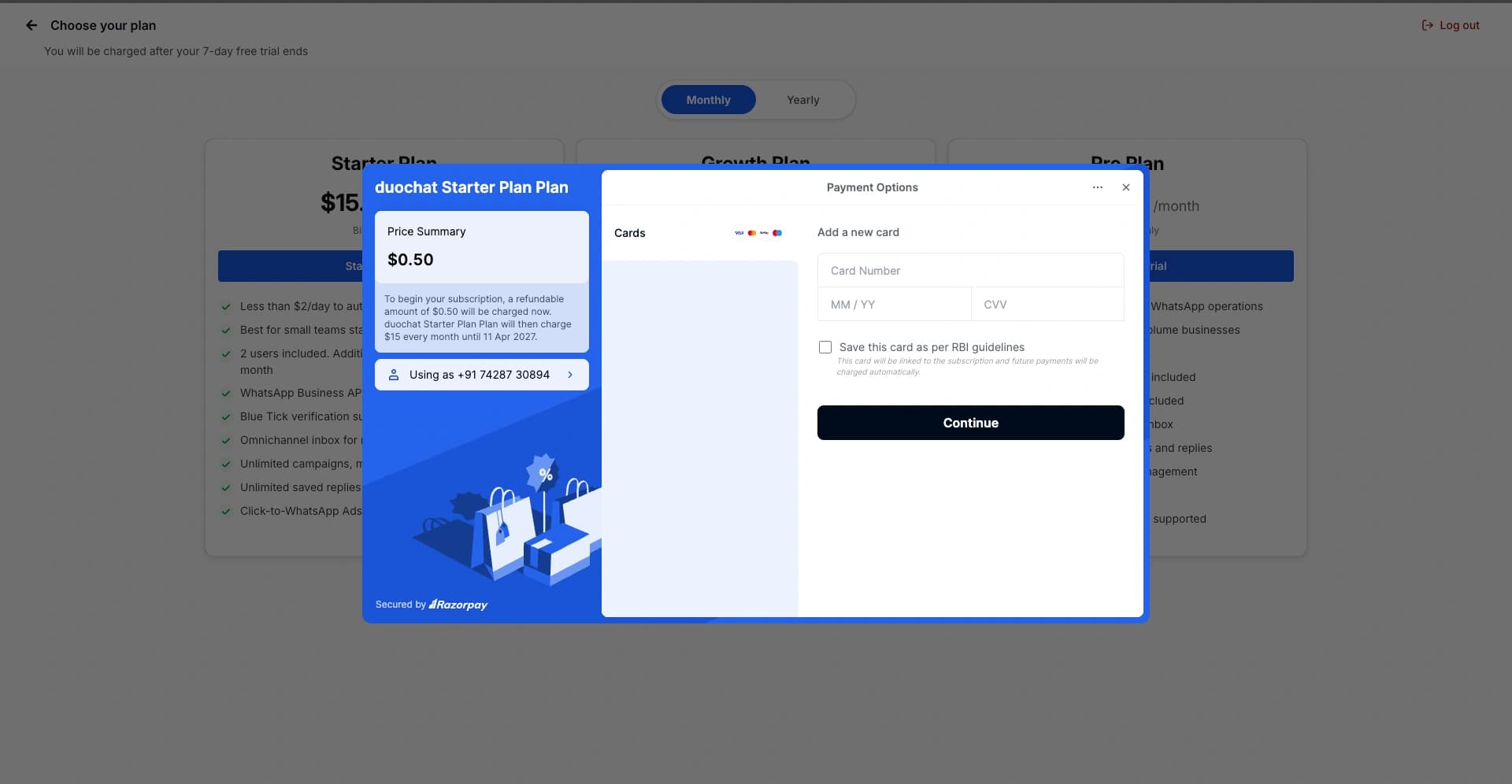
Then click “Continue”.
5. Access Your Dashboard
Once completed, your duochat dashboard will be available, and you can start using the platform immediately.
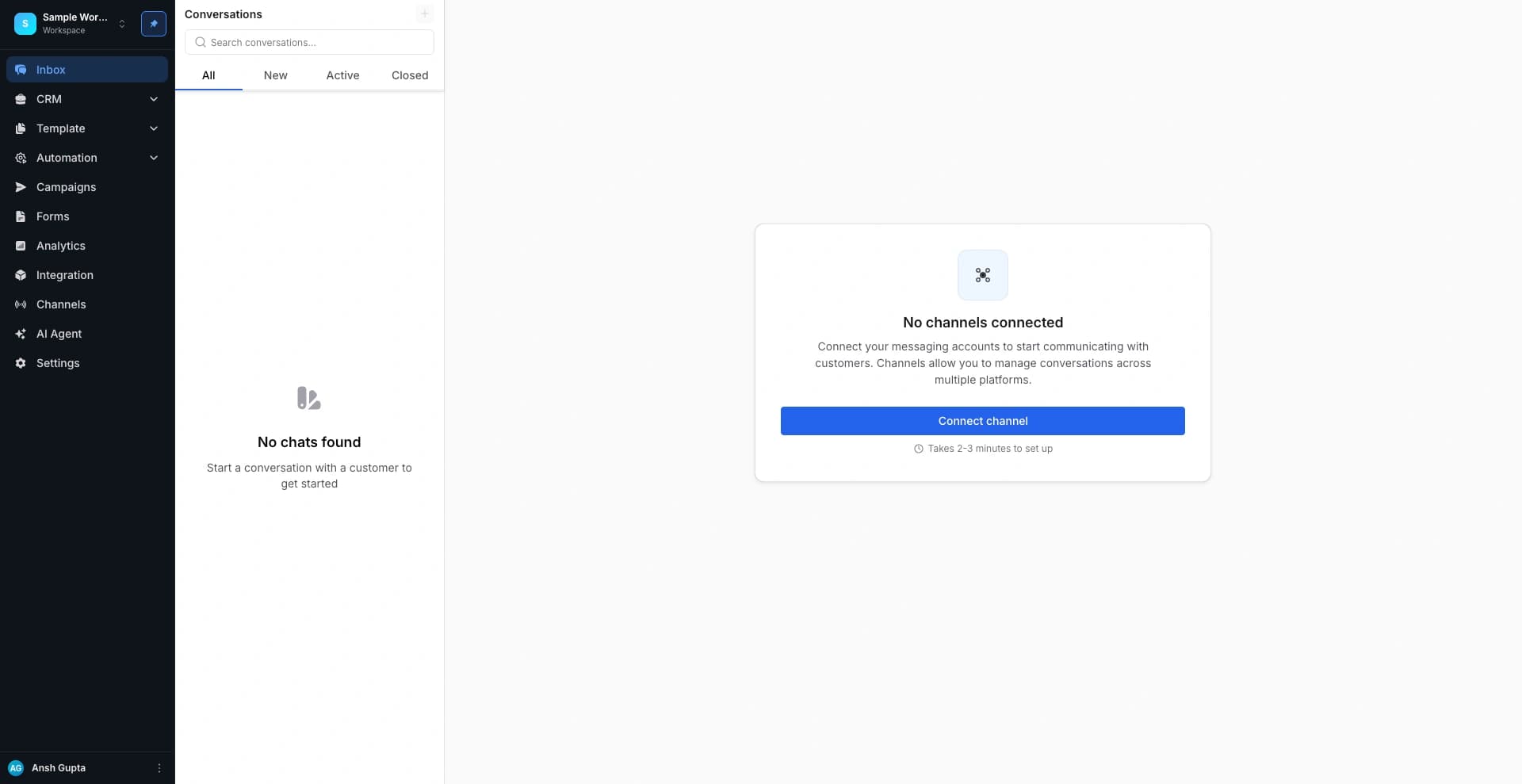
🎉 Welcome aboard! You’re now ready to explore duochat and all its features. If you have any questions, our support team is always here to help. Contact Us
On this page