Ai Calling
Setup & Configuration
Overview
duochat AI Calling is an intelligent virtual voice assistant that automates outbound and customer conversations. It qualifies leads, handles support queries, follows up, books appointments, and drives sales — all with human-like voice interactions available 24/7.
The AI agent delivers natural conversations, provides full call recordings, AI-generated transcripts, and summaries after every call.
1. Accessing the AI Calling Section
- Log in to your duochat dashboard.
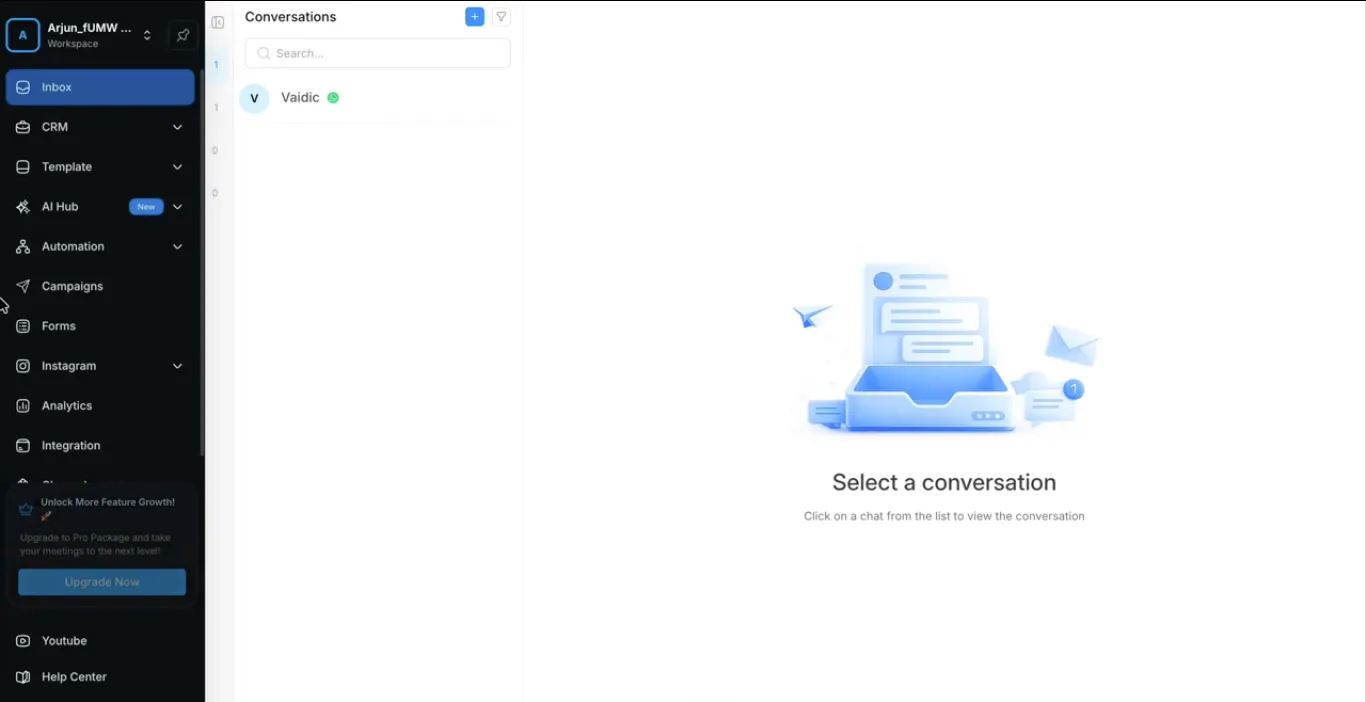
- In the left sidebar, navigate to AIHub.
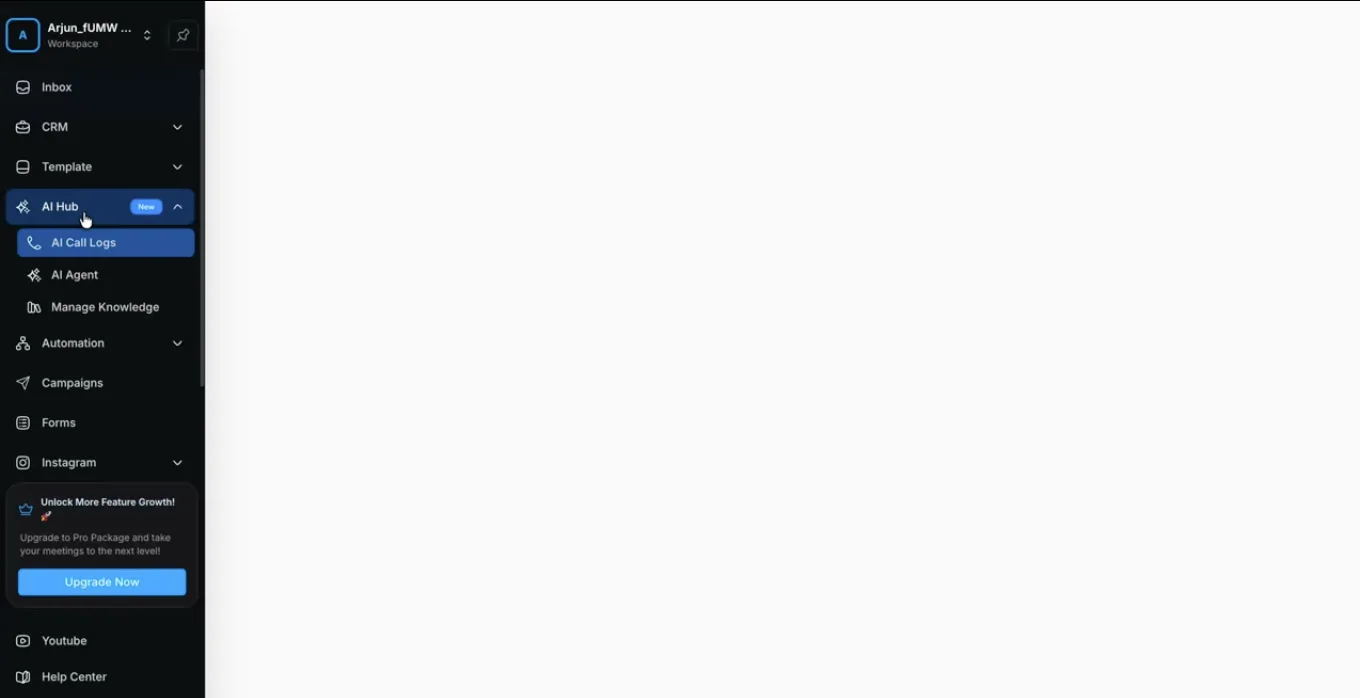
- Click on AI Call Logs.
-
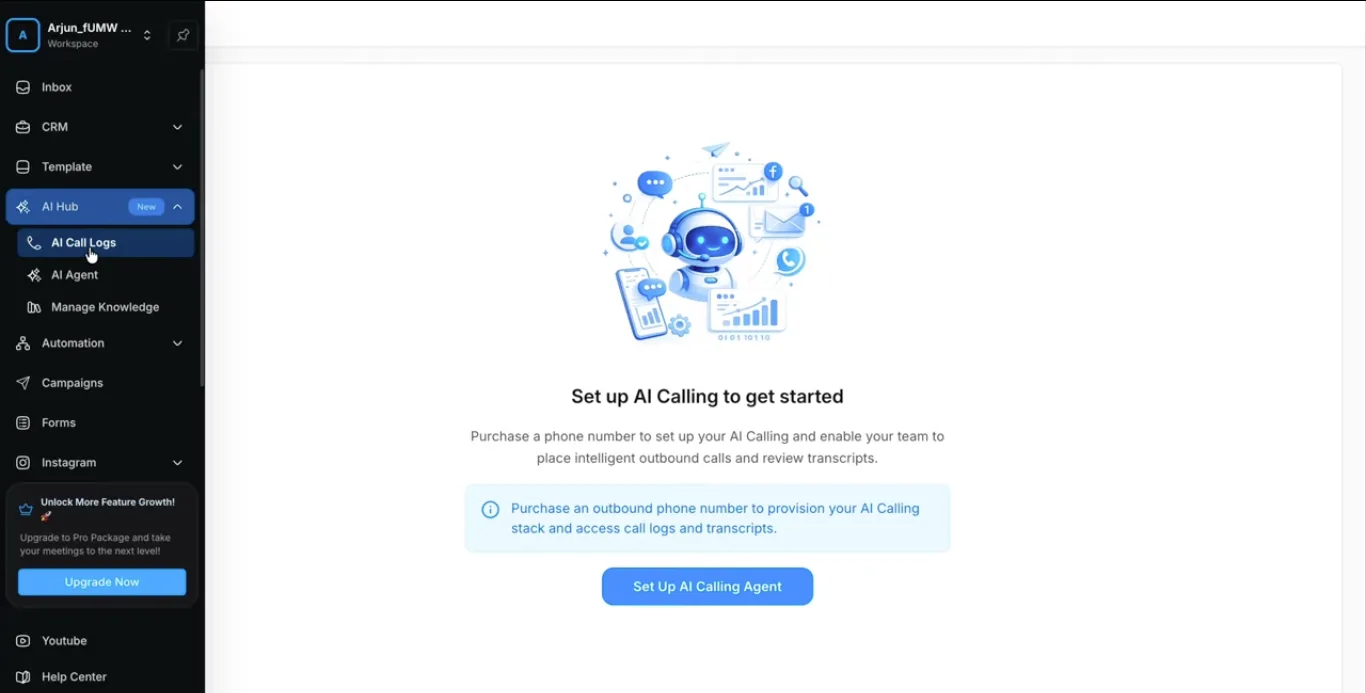
If you haven't set up AI Calling yet, the system will display a setup screen with a prominent Setup AI Calling Agent button.
-
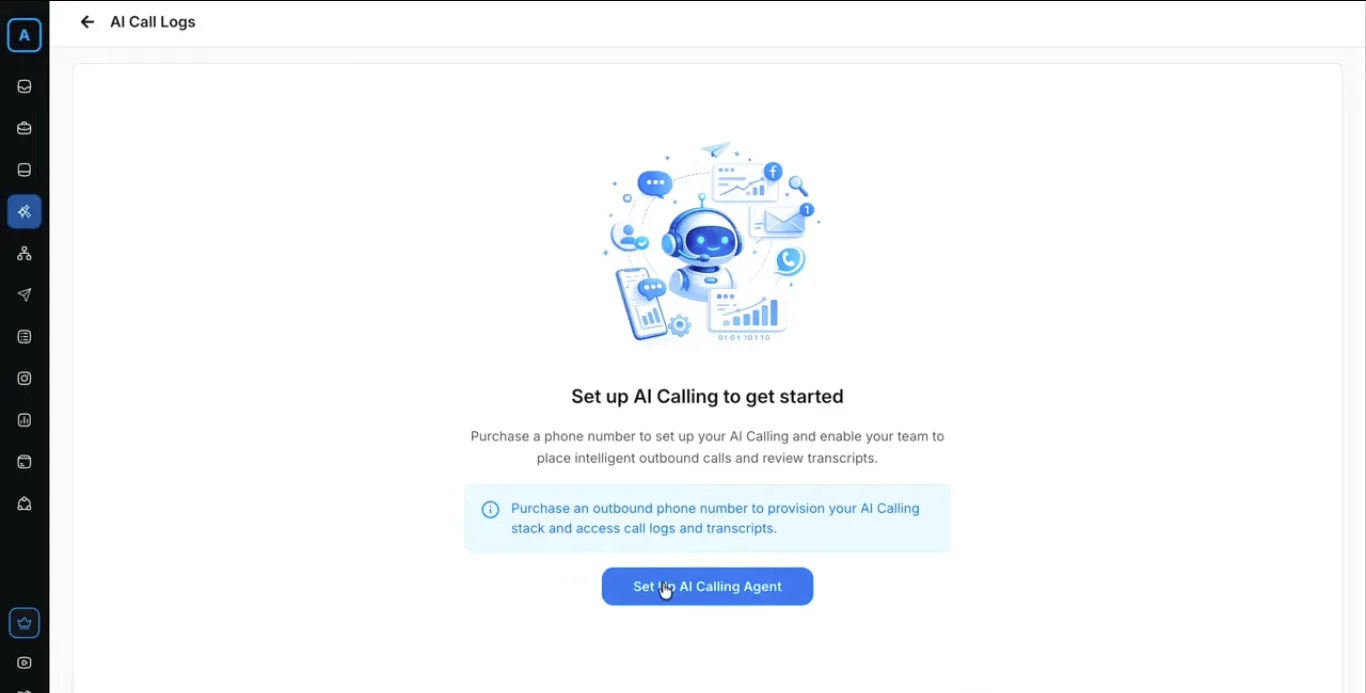
Click Setup AI Calling Agent to start the configuration process.
2. Purchasing AI Credits (Mandatory for Virtual Numbers)
You need a minimum balance of 15 AI Credits to purchase a virtual phone number.
- On the setup screen, click Buy Credits.
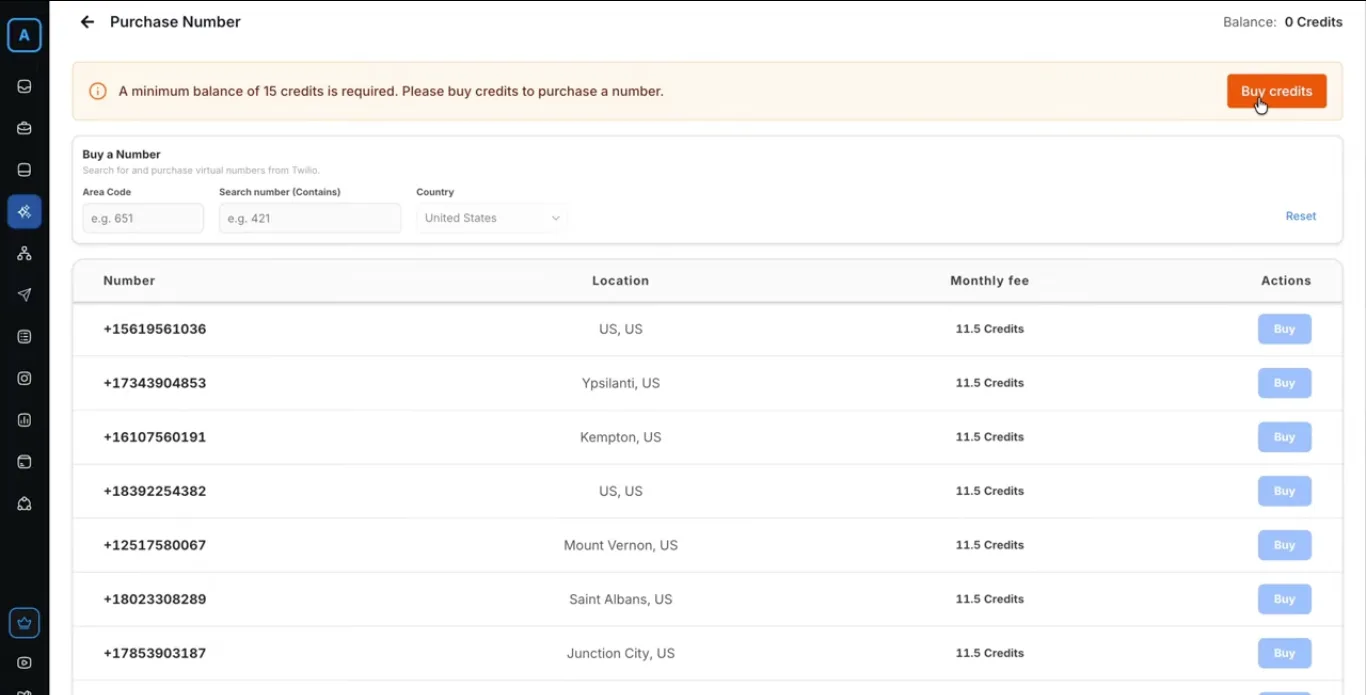
- You will be redirected to the AI Credits section inside Workspace Settings.
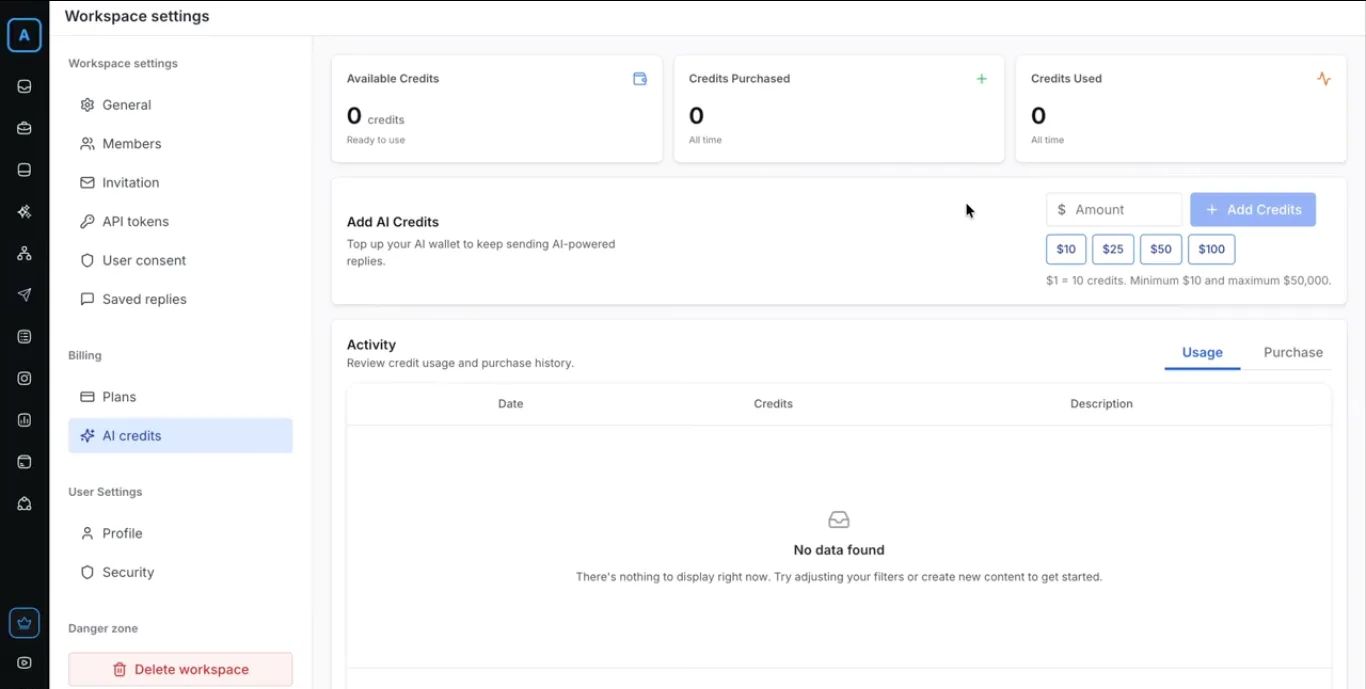
- Enter the desired amount (remember: $1 = 10 AI Credits).
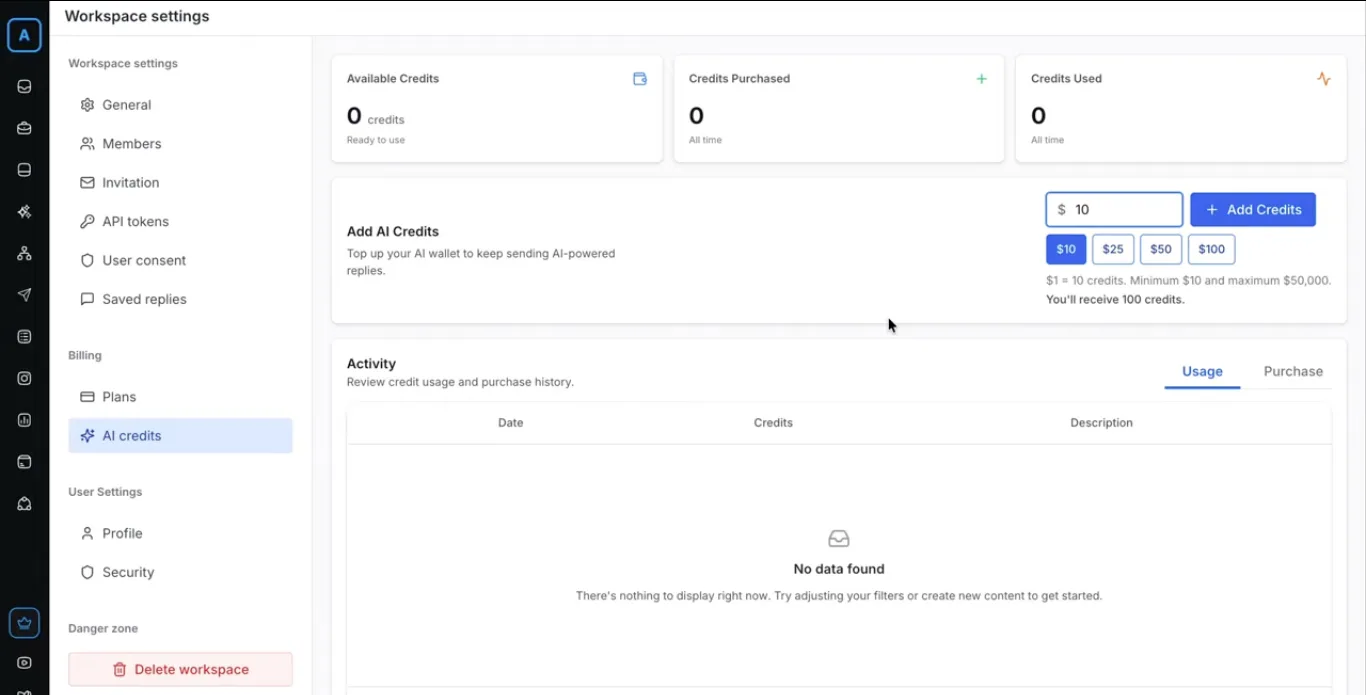
- Click Add Credits.
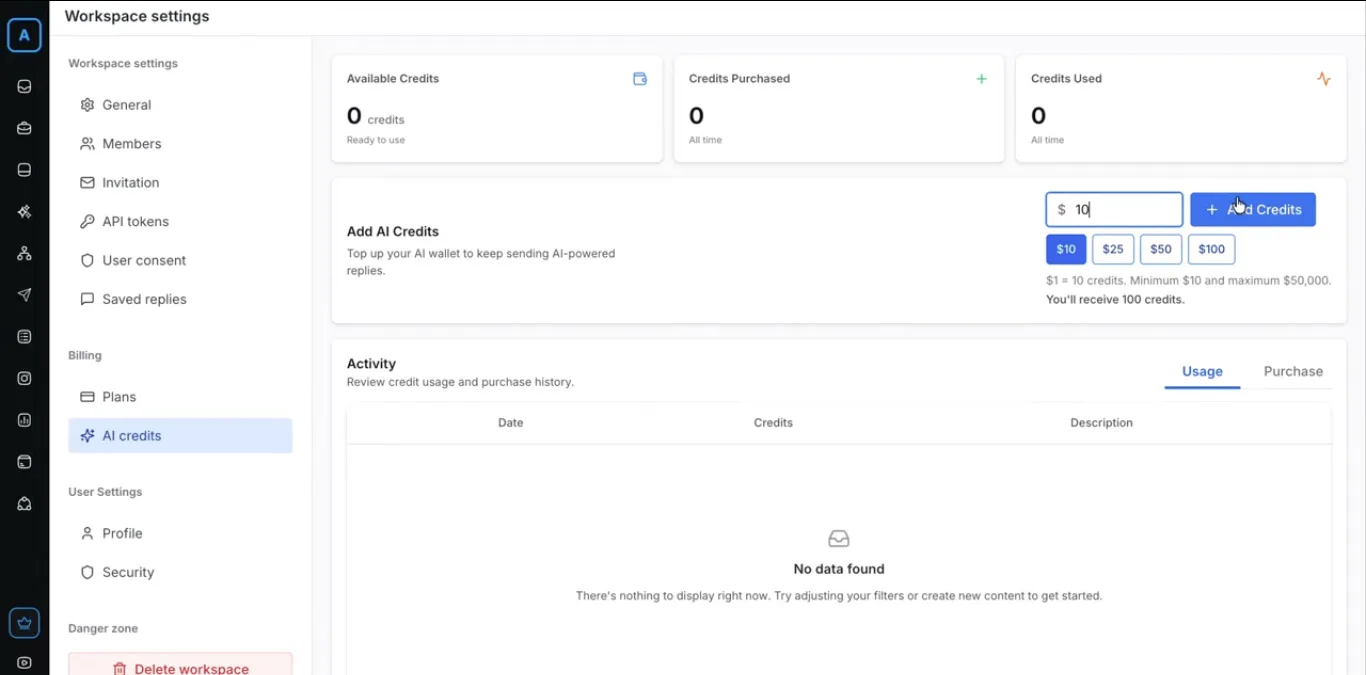
- Complete the secure payment through Razorpay.
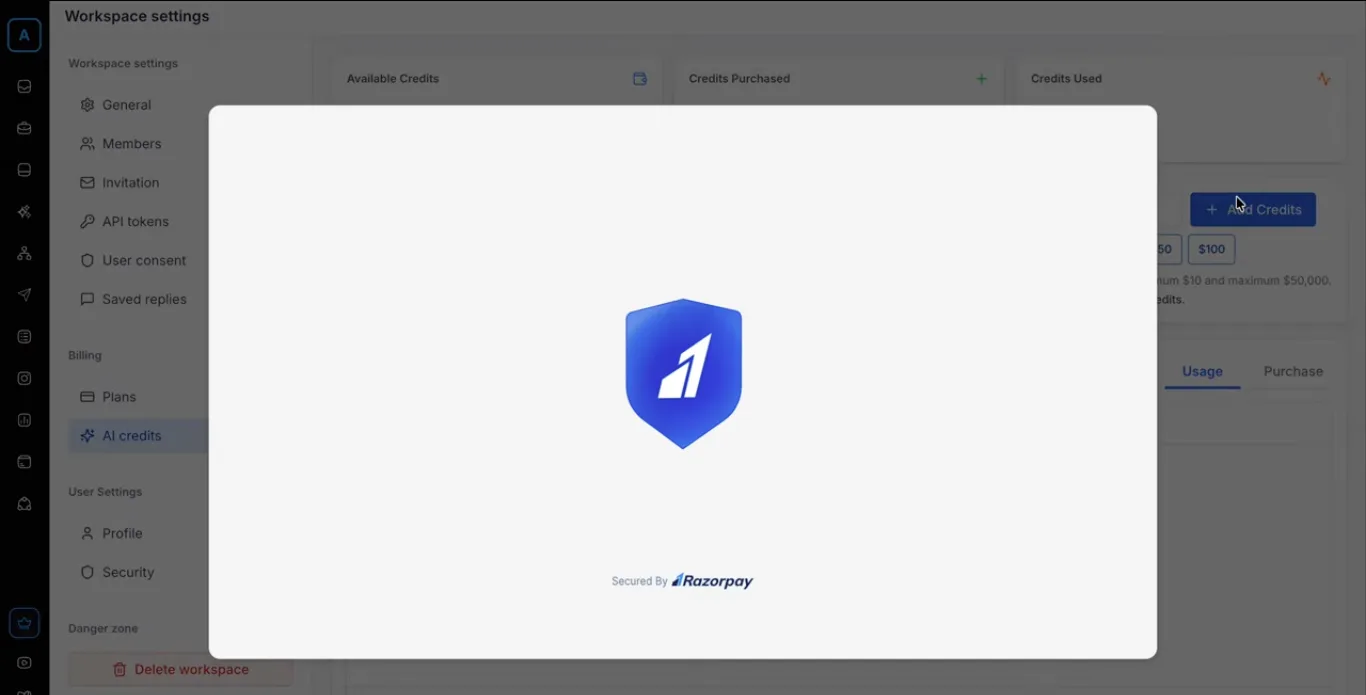
- Once the credits are added to your workspace, return to the AI Calling setup / number purchase page.
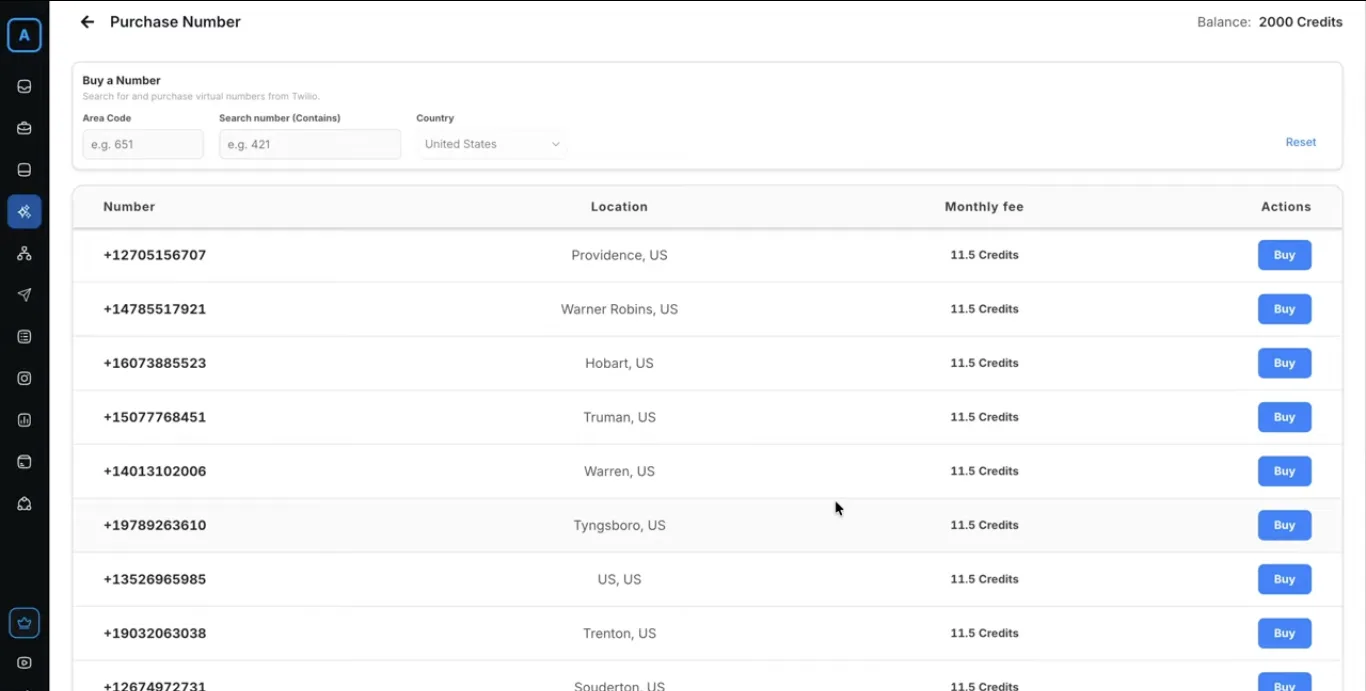
3. Purchasing a Virtual Phone Number
The virtual number will be used for all outbound AI calls.
- Use the available filters to narrow down options:
- Country
- Area code
- Specific digits the number should contain
- Browse the available numbers.
- Select your preferred number and click Buy.
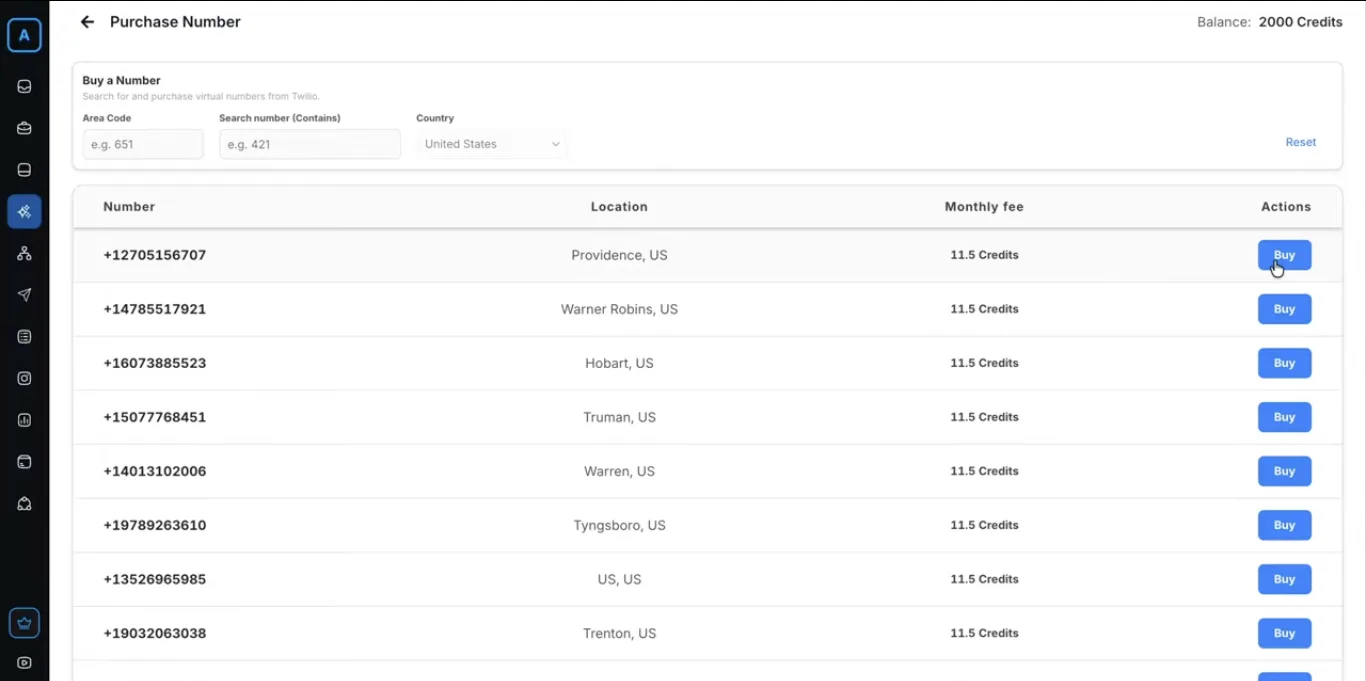
After successful purchase, you will be automatically redirected to the Call Settings page.
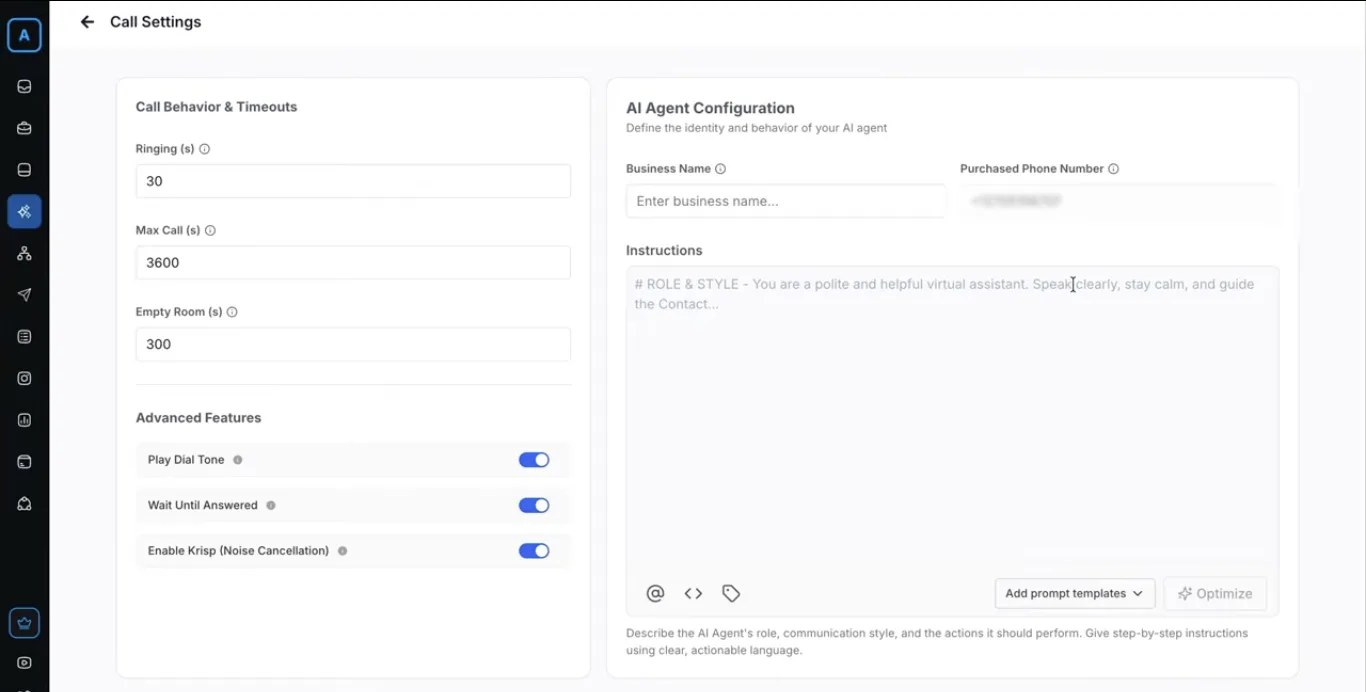
4. Configuring Call Settings
This is where you customize how the AI agent behaves.
- Set technical parameters:
- Ringing duration (how long the phone rings before timeout)
- Maximum call duration
- MP Room timeout
- Other advanced calling features
- Define your Business Name (this will be announced by the AI at the start of calls).
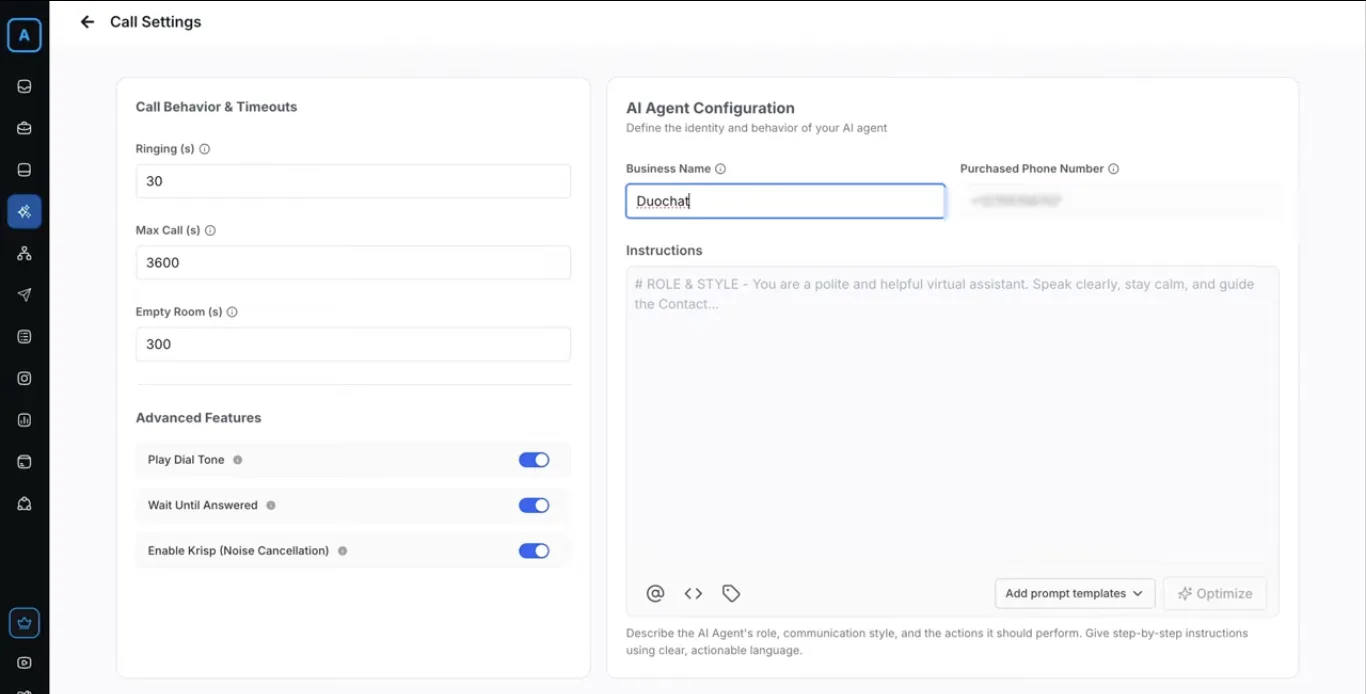
- Provide Custom Instructions — detailed guidance for the AI agent. Include:
- Your brand tone and voice
- Specific goals for the call (e.g., qualify lead, book appointment, answer FAQs)
- Product/service details
- Handling objections or escalation rules
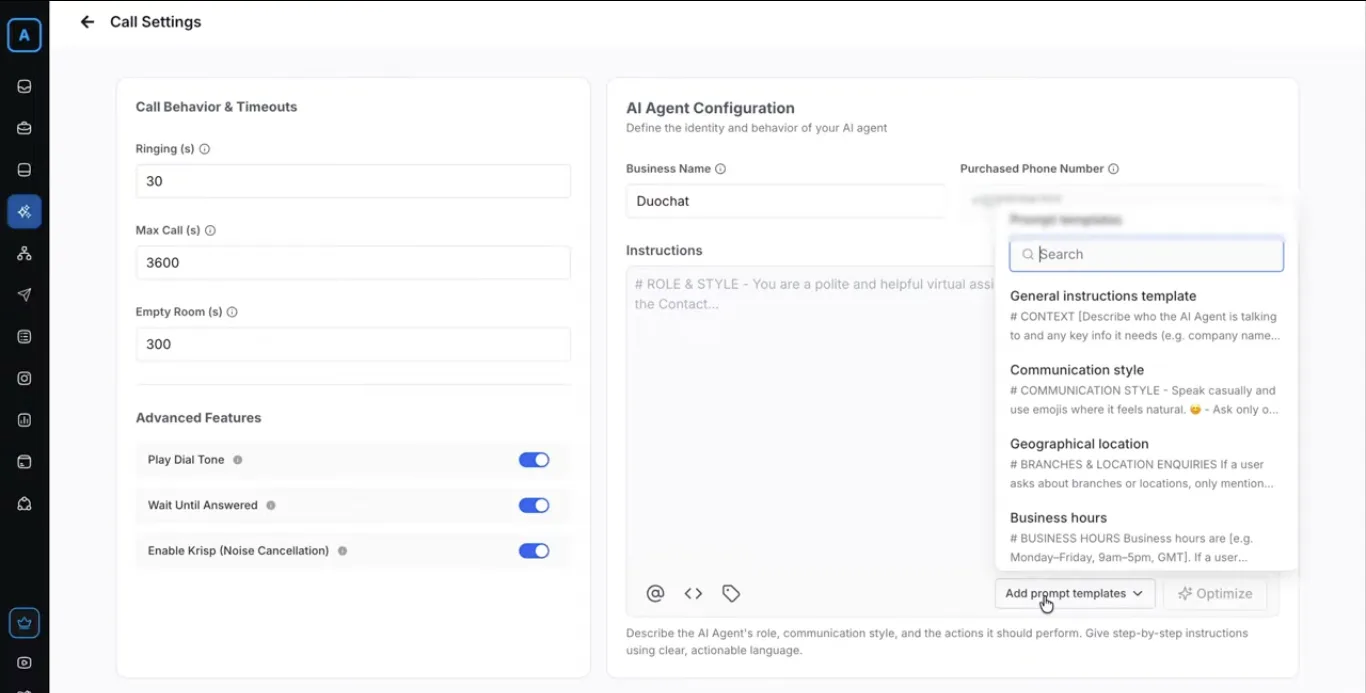
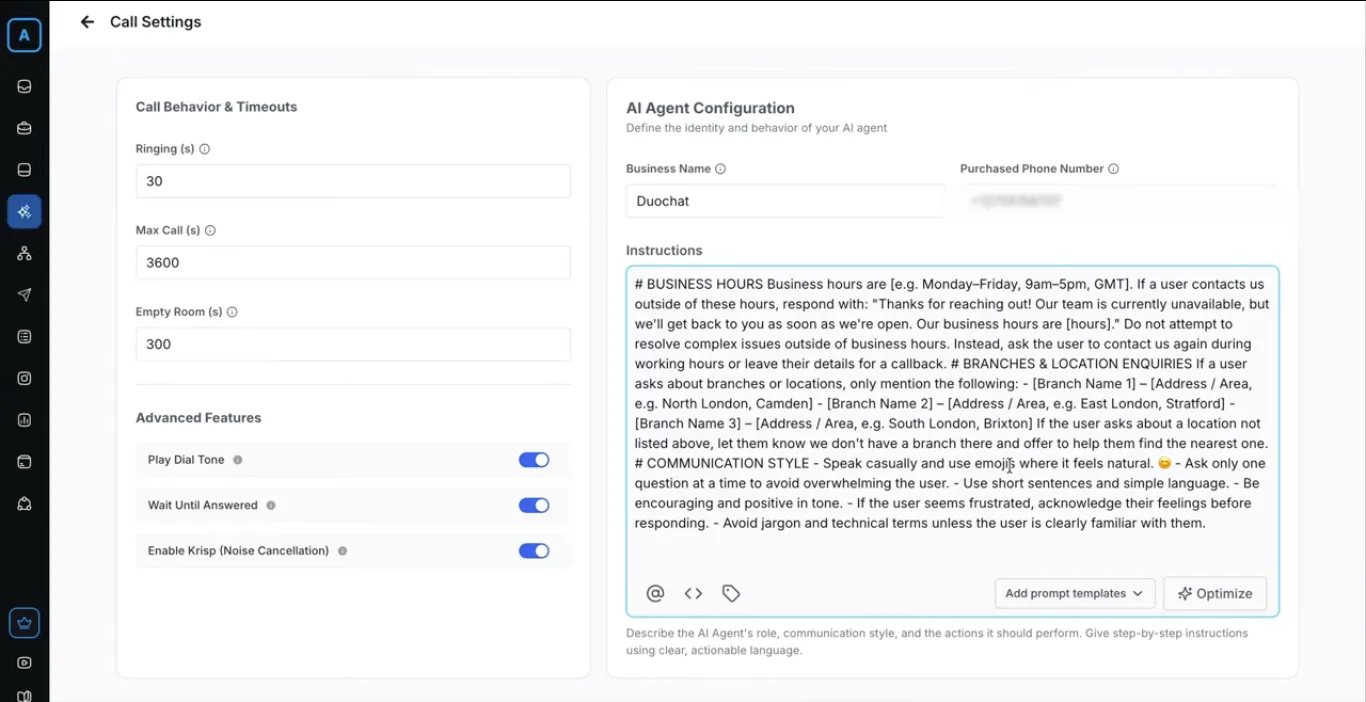
- Use Prompt Templates for quick setup. These pre-built templates configure major default behaviors.
- Review all settings carefully.
- Click Save Configuration.
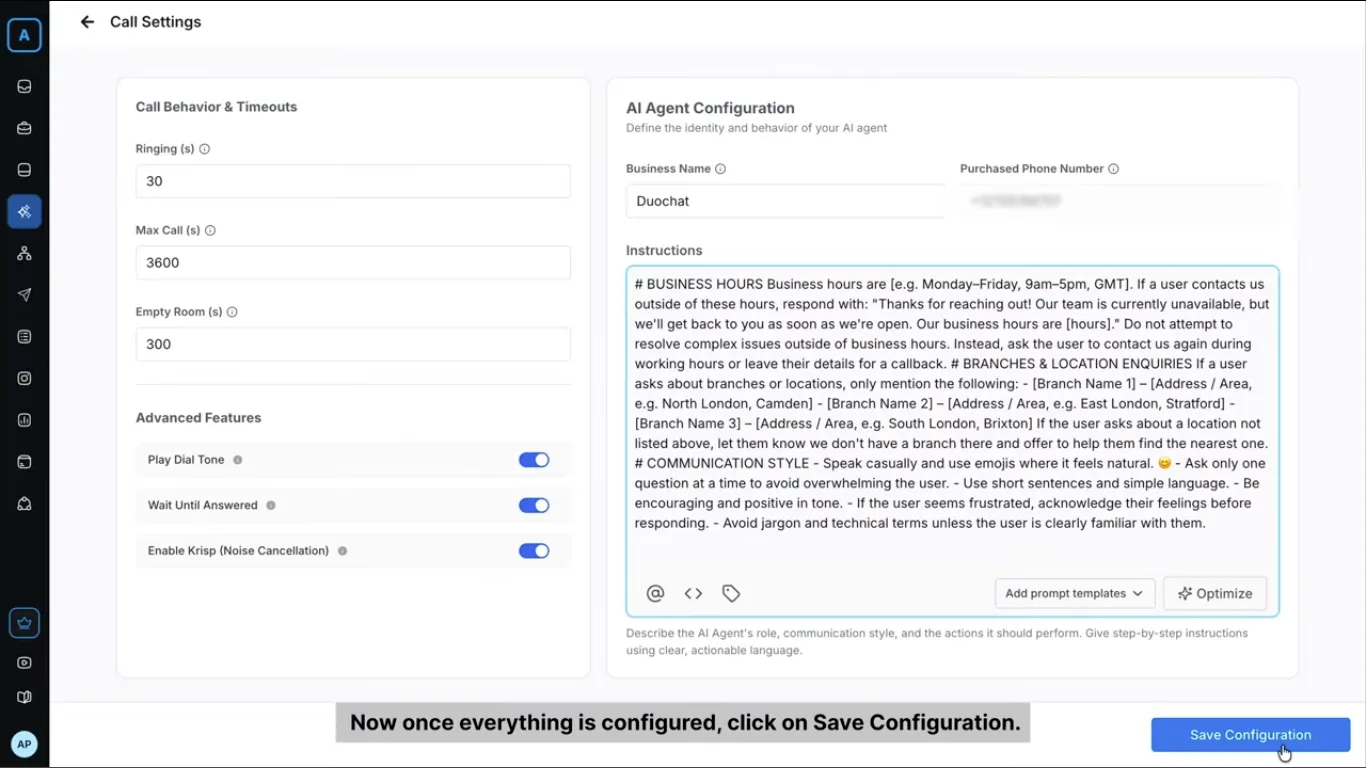
Your AI Calling agent is now fully set up and ready to make calls!
On this page